
Trusted by millions to safely capture driving footage, whether for evidence or simply to document your travels.
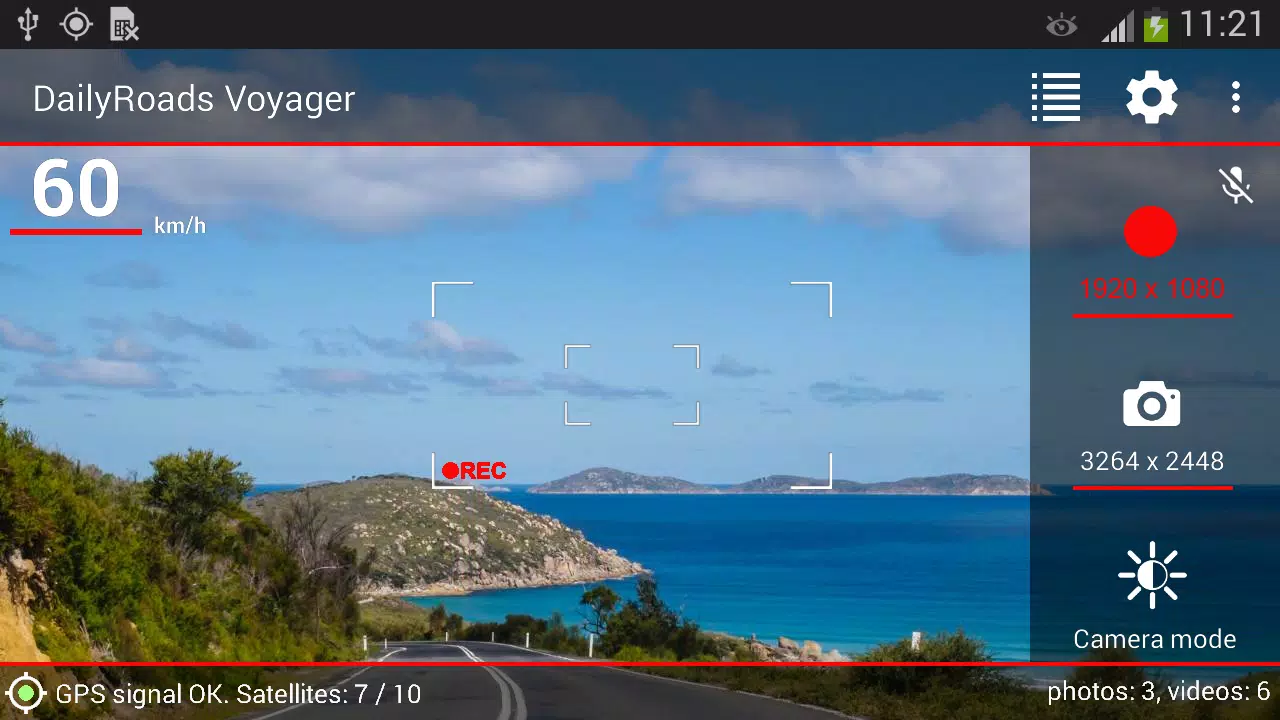
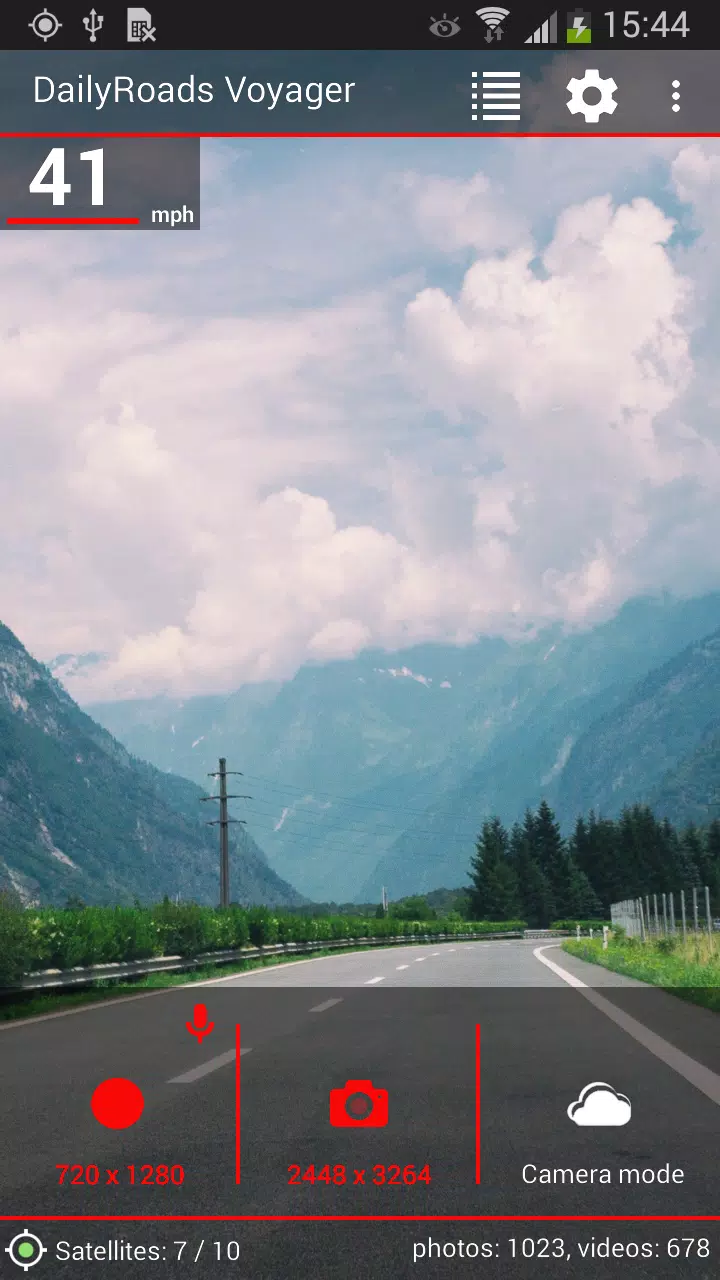
Since 2009, DailyRoads Voyager has operated as your reliable car black box, dash cam, and auto DVR. It continuously records video and photos throughout your journey, automatically capturing everything. Only the important events are permanently saved for future review or as crucial evidence. You have full control, easily choosing what to keep with a simple tap on the screen, even while driving.
This video evidence can be vital in numerous situations, including accidents, suspected insurance fraud, incidents with law enforcement, protecting yourself from staged collision scams, or resolving disputes with other drivers.
Key features:
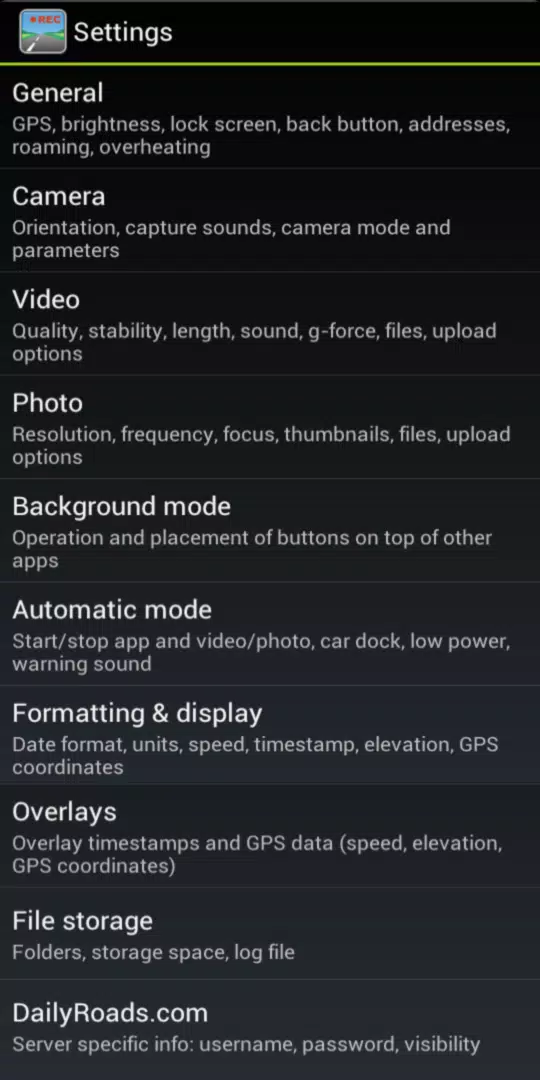
- Continuous video recording with customizable length and quality; includes optional audio recording.
- User-defined storage management on your SD card with loop recording to prevent the card from ever filling up.
- One-touch video protection lets you instantly safeguard clips of interesting road events during your entire trip.
- Auto-protection triggered by sudden impact (e.g., a collision) with configurable G-force sensitivity.
- Automatically capture photos at set intervals and resolutions, perfect for creating time-lapse videos.
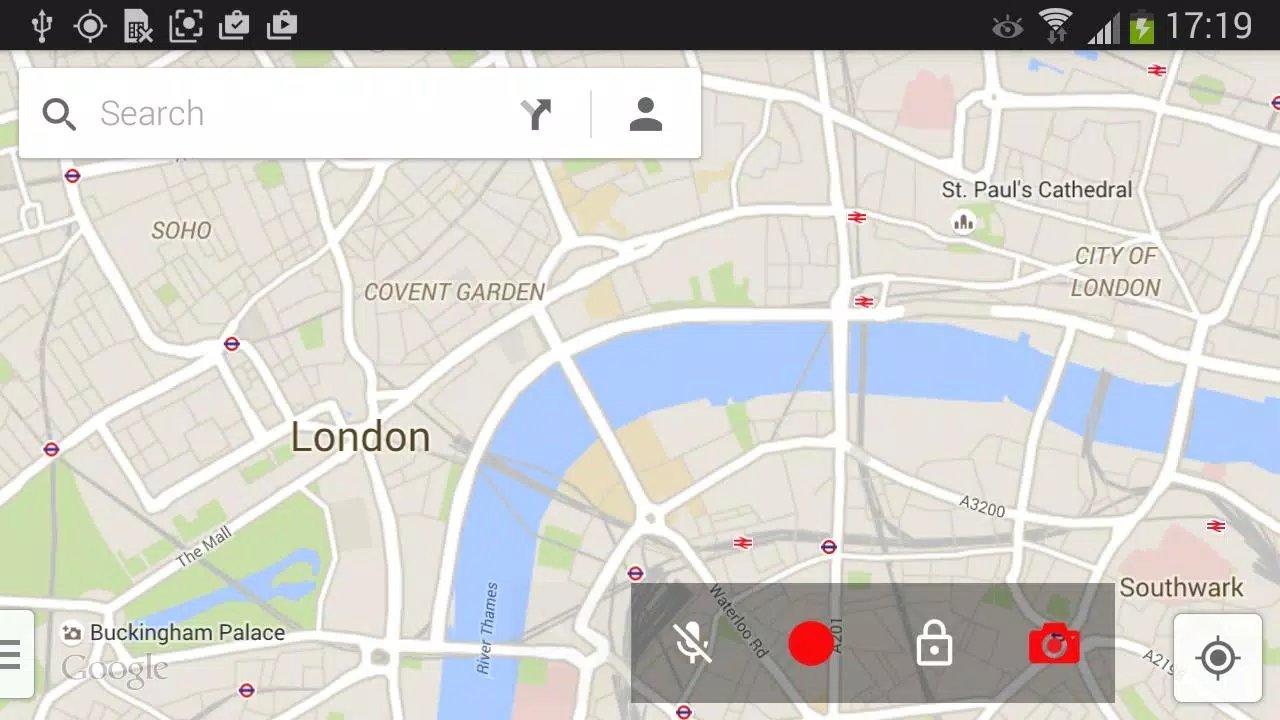
- Background video and photo capture, with optional floating buttons for use over other apps.
- Auto-start and shutdown based on car dock detection and related triggers.
- All videos and photos are timestamped and geotagged with location data.
- Automatically determines the street address for your protected videos and photos.
- Displays the location of your saved media on an interactive map.
- Overlays speed, elevation, timestamp, and GPS coordinates directly onto your videos and photos.
- Option to switch between speed units (km/h, mph) and customize the date format.
- Built-in overheating protection for your device.
- Option to disable GPS to conserve battery power.
- Brightness adjustment for less distraction when driving at night.
- Integrated file manager and video/photo browser.
- Add titles, descriptions, or bookmarks to your files.
- Upload files directly to DailyRoads.com.
- App2SD support for flexible storage.
This is a free application supported by ads, which are permanently disabled after any in-app purchase.
Pro version includes:
- Complete removal of all advertisements.
- Camera selection flexibility after installation.
- Upload capabilities to Dropbox and custom servers.
- Option to automatically launch the app after your device boots up.
- Use Bluetooth events as triggers for auto-start and auto-stop.
- 1000 video overlay credits on the server.
Enjoy the journey, and stay safe on the road!
Compatible video settings for various phone models: https://dailyroads.app/voyager/stats
User reviews: https://dailyroads.app/voyager/reviews
Interactive demo of our roadmap and future plans: http://future.dailyroads.com
What's New in the Latest Version 8.1.1
Last updated on Jan 13, 2024
- Fixed background video recording on Android 14.
- Improved background GPS performance on Android 13 and 14.
- Added an audio track icon in the Files section.
- Fixed the Start App functionality on Android 13 and 14.
- Design refinements for Android 13 and 14.