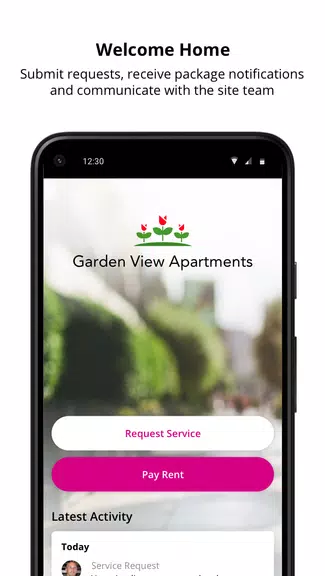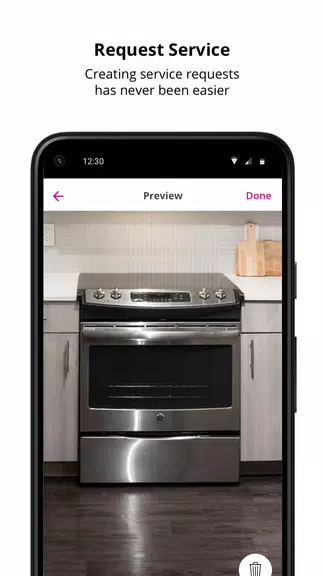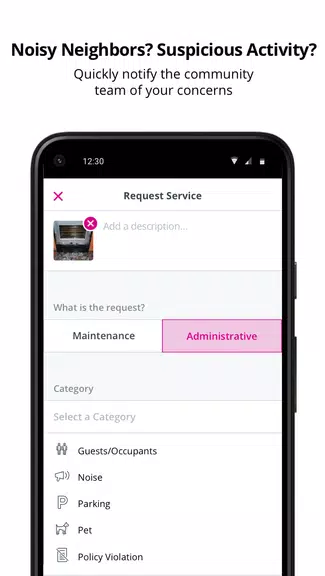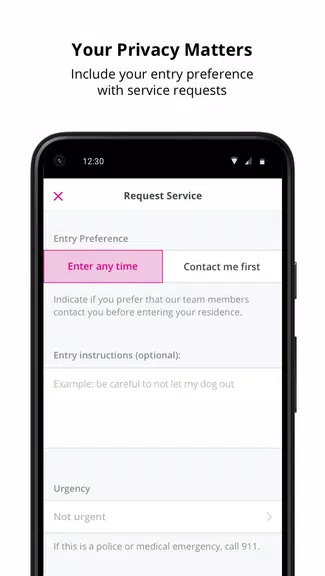
The Resident App makes resolving community issues easier than ever. From a leaky faucet to a noisy neighbor, simply tap your phone to submit a service request. Stay updated every step of the way as your request is handled, and share your feedback by rating the experience—helping your community management improve services. Effortlessly connect with your community team and keep track of local events. The intuitive design ensures a smooth, hassle-free experience from start to finish. Download today and enhance your community living.
Resident App Features:
* Easy Service Requests
Submit service requests instantly with just a tap, making it fast and convenient to report apartment issues.
* Stay Informed
Get real-time updates on your service requests and notifications about community events, so you're always connected and informed.
* Feedback Opportunities
After each service request, you can rate the experience and share feedback with your community management—helping enhance services or recognize a job well done.
FAQs:
* Is the Resident App only for reporting issues?
No, the app also lets you pay rent, get package alerts, and communicate with your community team.
* Can I use the app if my community doesn't use SightPlan?
Check with your Property Manager to see if your community is eligible for the app.
Conclusion:
The Resident App provides a simple and efficient way to manage service requests, stay updated on community events, and give feedback to enhance your living experience. Thanks to the user-friendly design and live updates, it’s the ideal tool for residents wanting to stay informed and involved. Download today to discover a new level of ease and connection in apartment living.