
Charge Search App - For Metered Parking
For Users Who Can't Start on Android 11
June 15, 2021
Some Android 11 users report immediate app crashes upon launch.
You may resolve this by performing "Clear Storage" - note this will erase your parking spot posting history permanently.
Steps to Fix:
- Open Device Settings
- Select "Apps & Notifications"
- Choose "PP Park!" from your apps
- Tap "Storage & Cache"
- Select "Clear Storage"
This issue stems from Android 11, and Google is aware of it.
While waiting for official fixes from Google and manufacturers, the "Clear Storage" workaround remains the recommended solution.
PPPark!
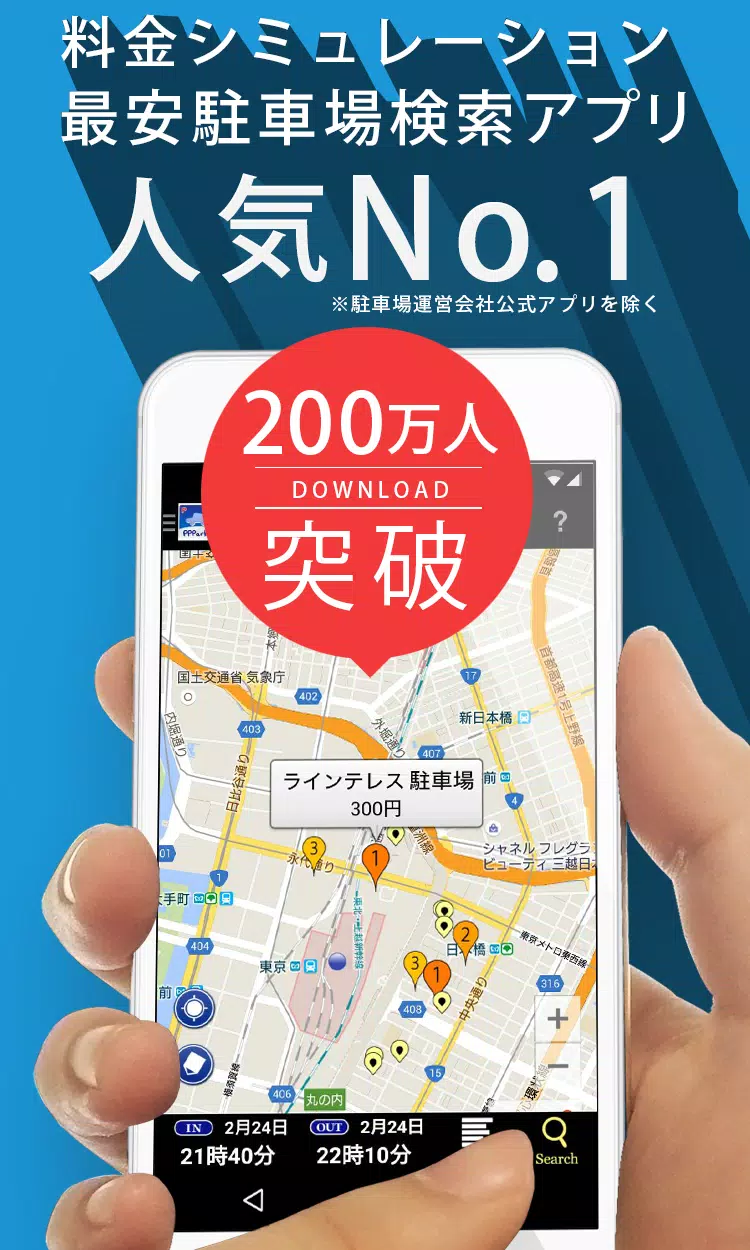
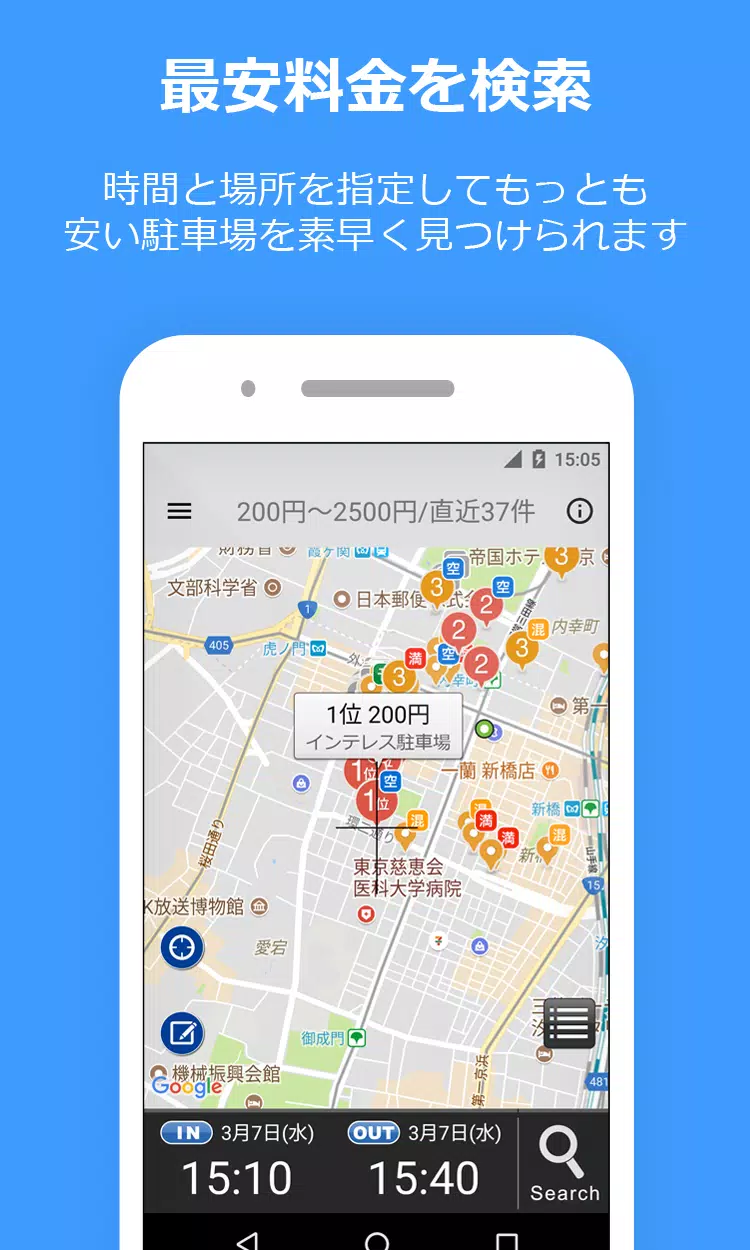
Find affordable coin parking near your destination sorted by price.
Never overpay for parking again!
Key Features
- Smart Price Calculation: Enter your parking times (e.g. "Today 14:20-19:00") to see the cheapest options first
- Max Rate Support: Includes daily maximum discounts so you see true costs
- Seamless Navigation: Direct routing via Google Maps, Yahoo! Navi, or NaviCon
- Advanced Parking Options: Supports reservation systems like Akippa, Toku P, and TOHOGAS parking (Okazaki city only)
- Street Parking Info: Shows short-term street parking in Tokyo, Kanagawa, and Osaka (marked with green indicators)
- Community Updates: Users can contribute new spots or update existing parking information
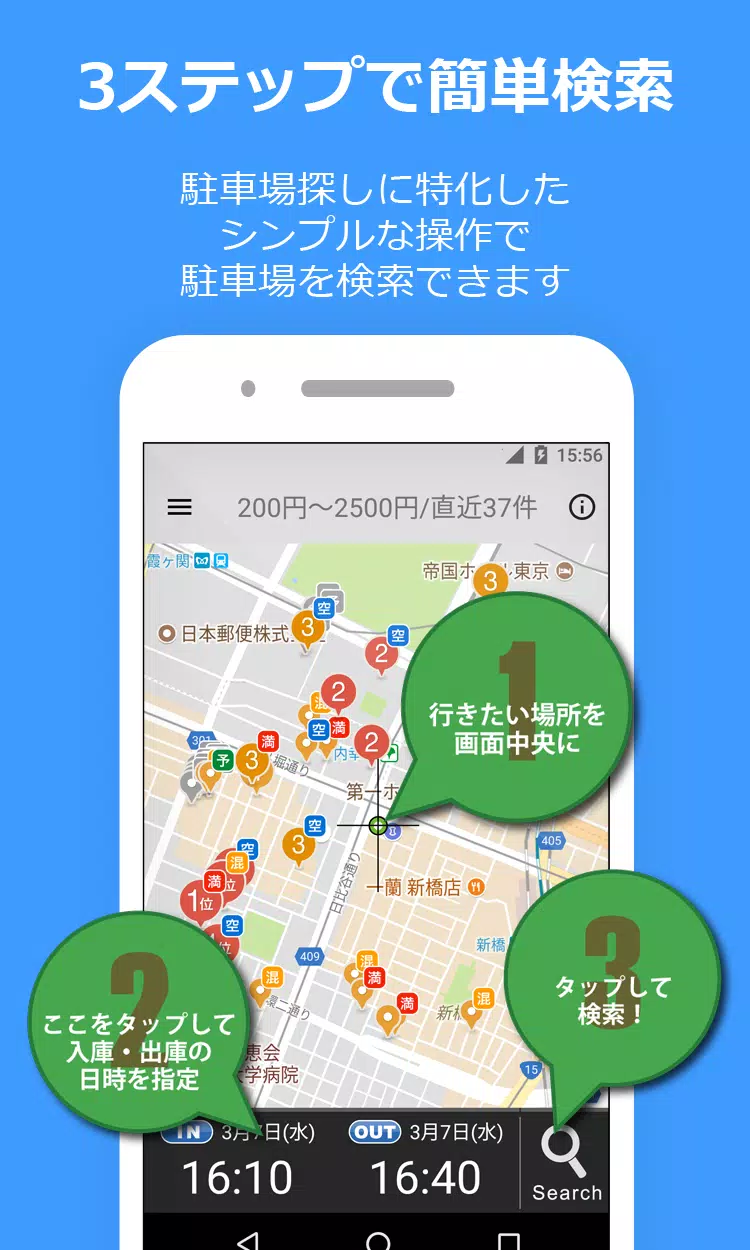
How To Use
- Pin your destination on the map
- Set your parking start/end times
- Tap the search (magnifying glass) button
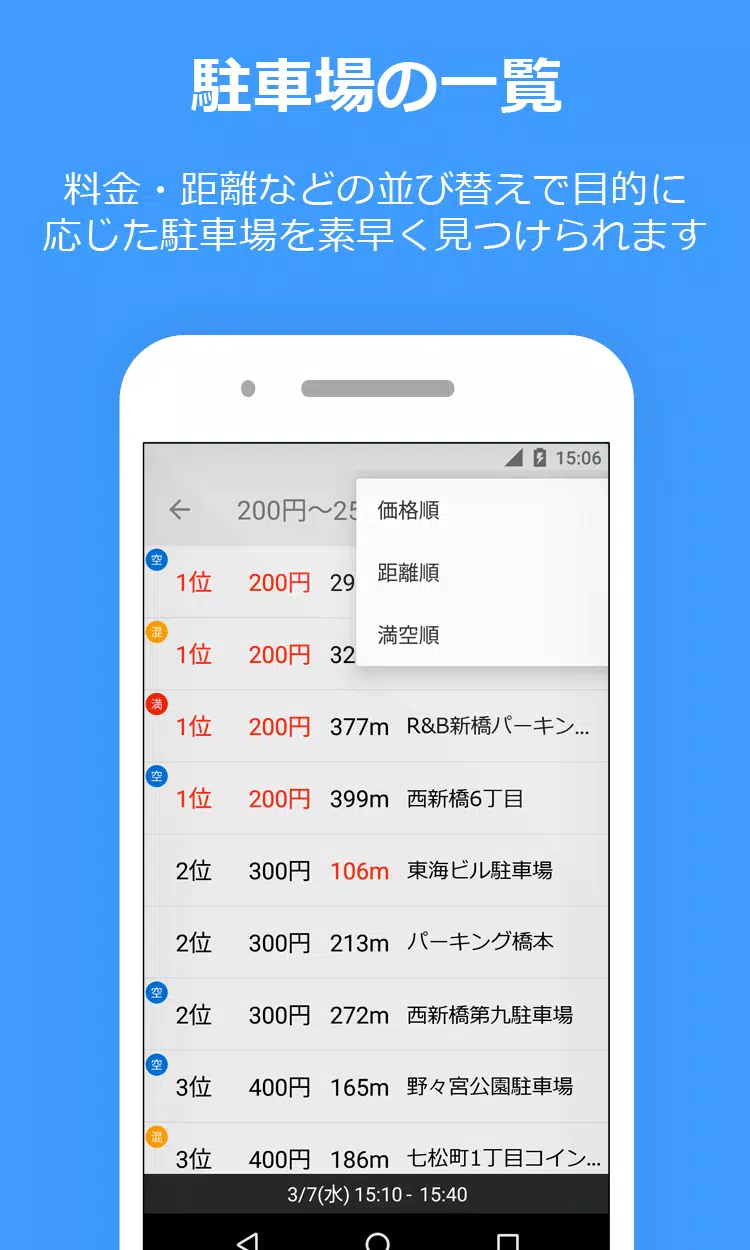
- View sorted results showing nearest/cheapest options
Important Notes
- Requires Google Play Services on Android 4.0+ devices
- Location permissions ensure accurate results
- Always verify prices/availability at parking locations
- Posted spots aren't transferred across Android 10+ devices
Support & Feedback
Report issues via:
- Twitter: @PPPark1
- Email: [email protected]
Include your device model and OS version for technical issues.
Links
- Website: https://pppark.com
- Twitter: @PPPark1