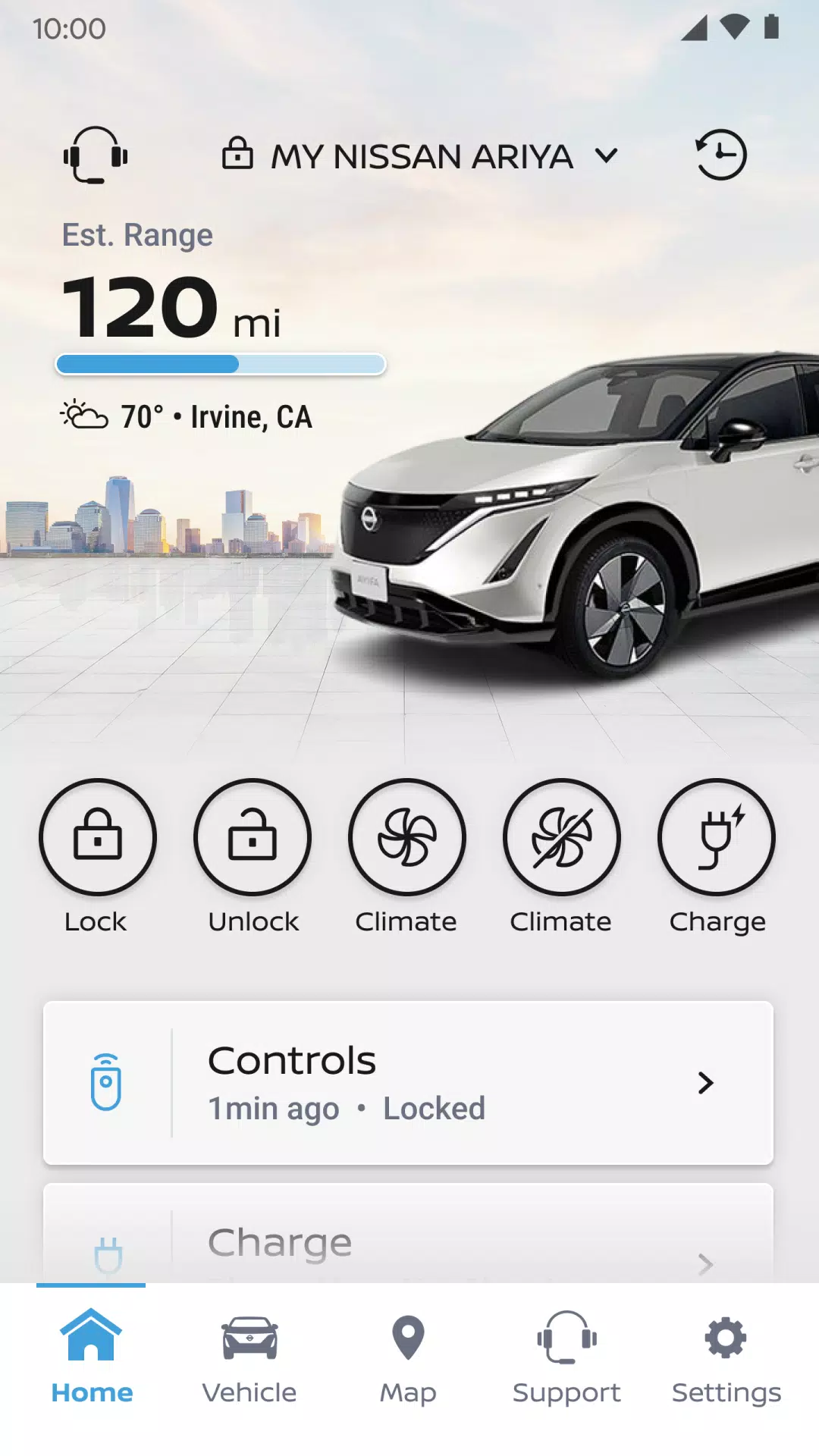
MyNISSAN® allows you to control your car remotely using your smartphone.*
The MyNISSAN App helps you maximize your vehicle's potential and enhance your ownership experience. It brings remote access, security, personalization, vehicle information, maintenance, and convenience features from your Nissan directly to your compatible Android phone or Wear OS device.
The MyNISSAN App is available to all Nissan owners, though it's optimized for 2014 and newer models. The full MyNISSAN experience requires an active NissanConnect® Services Premium package on select 2018 and newer models.* For a complete feature list specific to your vehicle, visit owners.nissanusa.com
All Nissan owners and vehicles can access these MyNISSAN features:
• Manage your Nissan account and preferences
• Schedule service appointments with your preferred dealer****
• Get notifications for applicable vehicle recalls or service campaigns
• View your vehicle’s service history and maintenance schedule
• Connect to Roadside Assistance
With a compatible vehicle, you can:
• Remotely start and stop your engine**, lock and unlock doors, and activate horn and lights
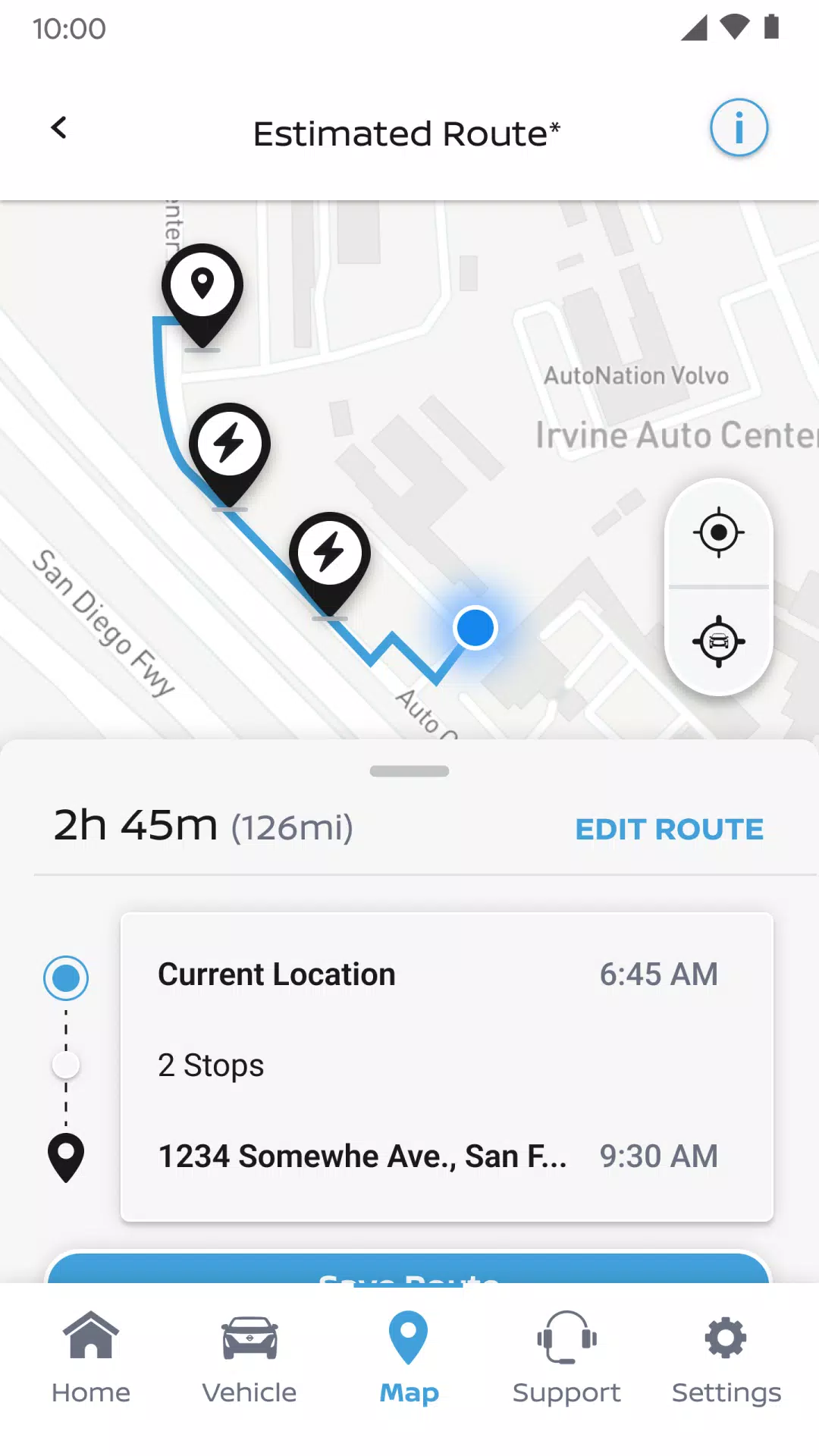
• Search for, save and send points of interest to your vehicle
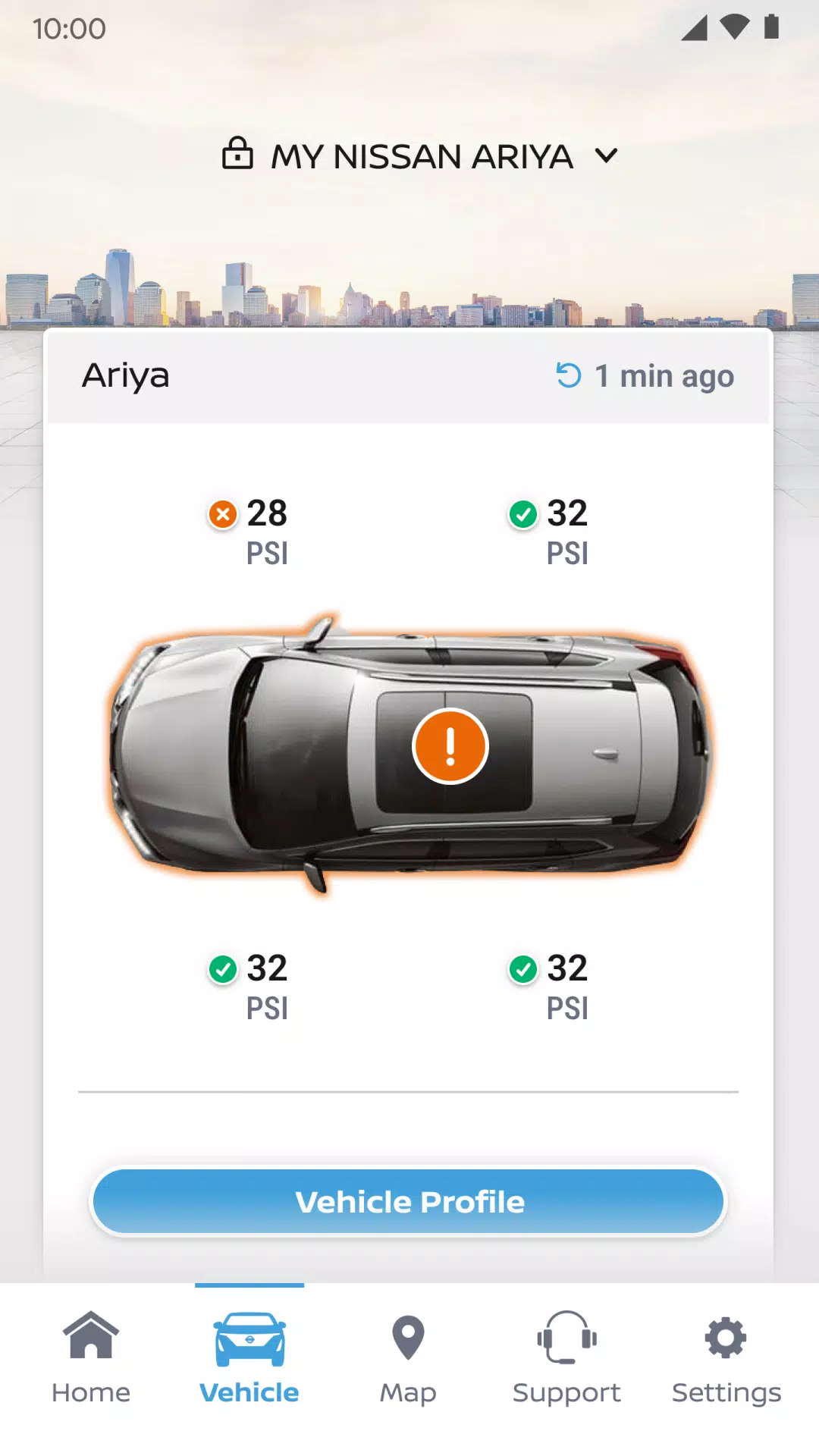
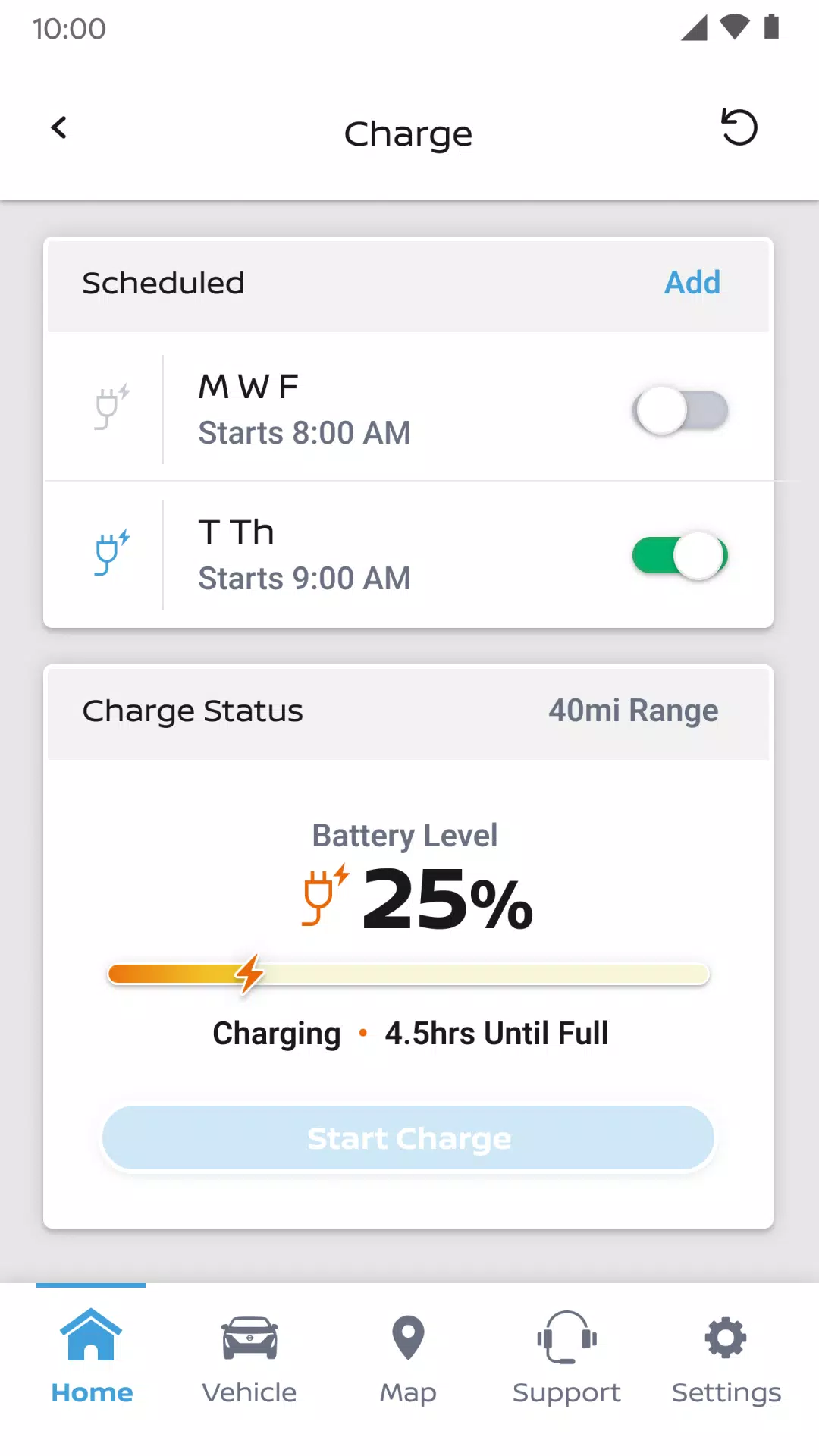
• Check vehicle status (doors, engine, mileage, fuel range, tire pressure, oil pressure, airbags, brakes)
• Locate your vehicle
• Monitor your vehicle with customizable boundary, speed and curfew alerts***
Vehicle trims with Google built-in** offer additional features, including:
• Remote climate control adjustment
• Remote engine start
• Receive notifications for unlocked doors, open windows, and more
• Connect with your repair shop for real-time updates
• Simplify trips with data-based route planning
• Get advance alerts for upcoming maintenance
• Add up to four additional drivers to one Nissan ID account
For important safety information, system limitations, and detailed feature information, consult your dealer, owner’s manual, or www.nissanusa.com/connect/privacy.
*The NissanConnect Services telematics program was impacted by AT&T's discontinuation of its 3G cellular network. As of February 22, 2022, all Nissan vehicles with 3G-compatible telematics hardware cannot connect to the 3G network or access NissanConnect Services features. Customers who purchased vehicles with this hardware needed to enroll in NissanConnect Services before June 1, 2021, to maintain access through February 22, 2022 (subject to cellular network availability and coverage). For details, visit http://www.nissanusa.com/connect/support-faqs.
**Feature availability depends on vehicle model year, model, trim level, packaging and options. Consumer activation of NissanConnect Services SELECT package required. Package trial included with eligible new vehicle purchases or leases. Trial period subject to change or termination without notice. Monthly subscription fee applies after trial. Driving requires full attention. Only use features when safe and legal. Never program while driving. GPS mapping may lack detail in some areas or reflect current road conditions. Connectivity service required. App subscriptions may be needed. Data rates may apply. Subject to third-party service availability. If service providers terminate or restrict services, features may be suspended without notice or liability to NISSAN or its partners. Google, Google Play and Google Maps are trademarks of Google LLC. Learn more at www.nissanusa.com/connect/legal.