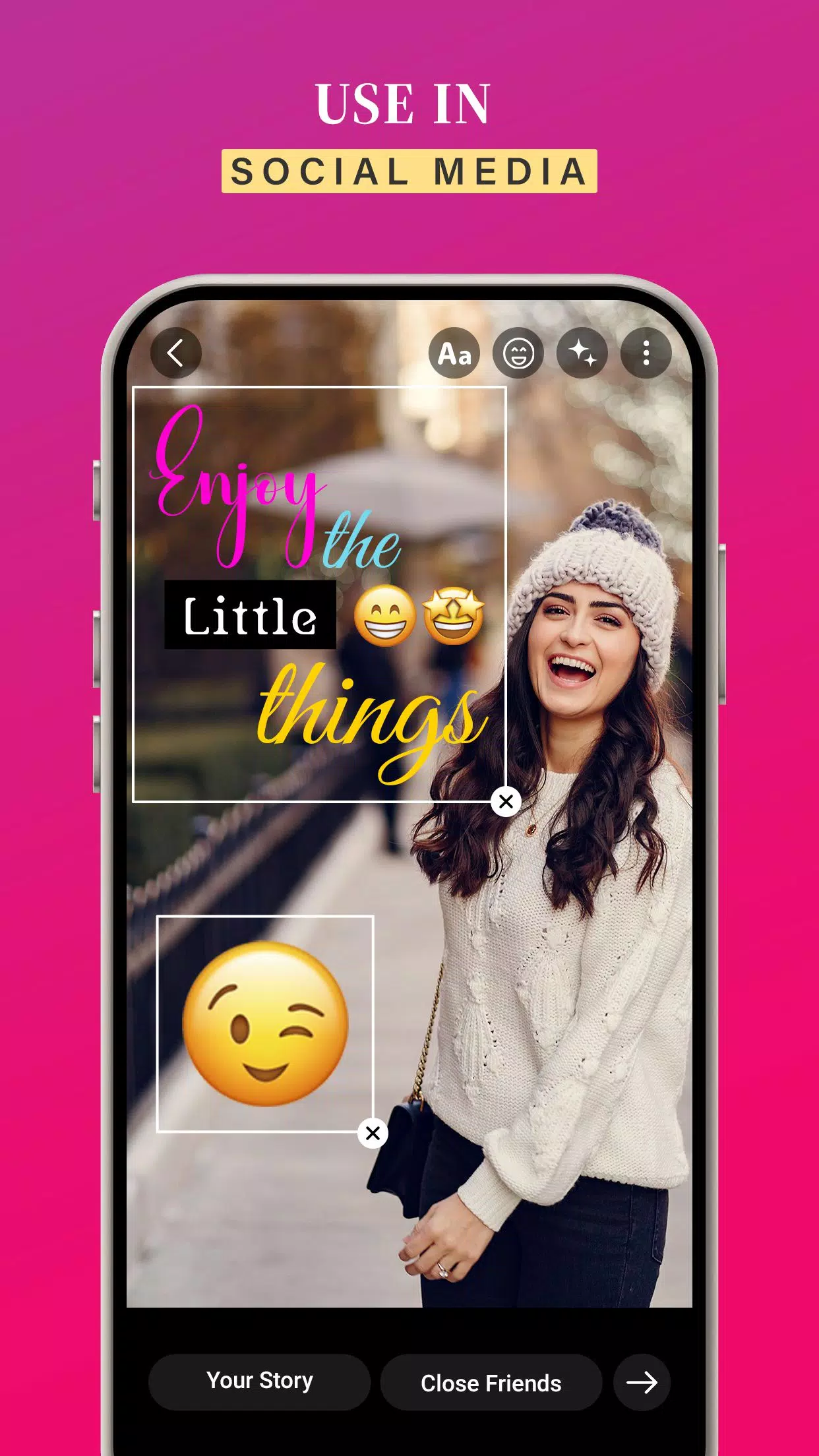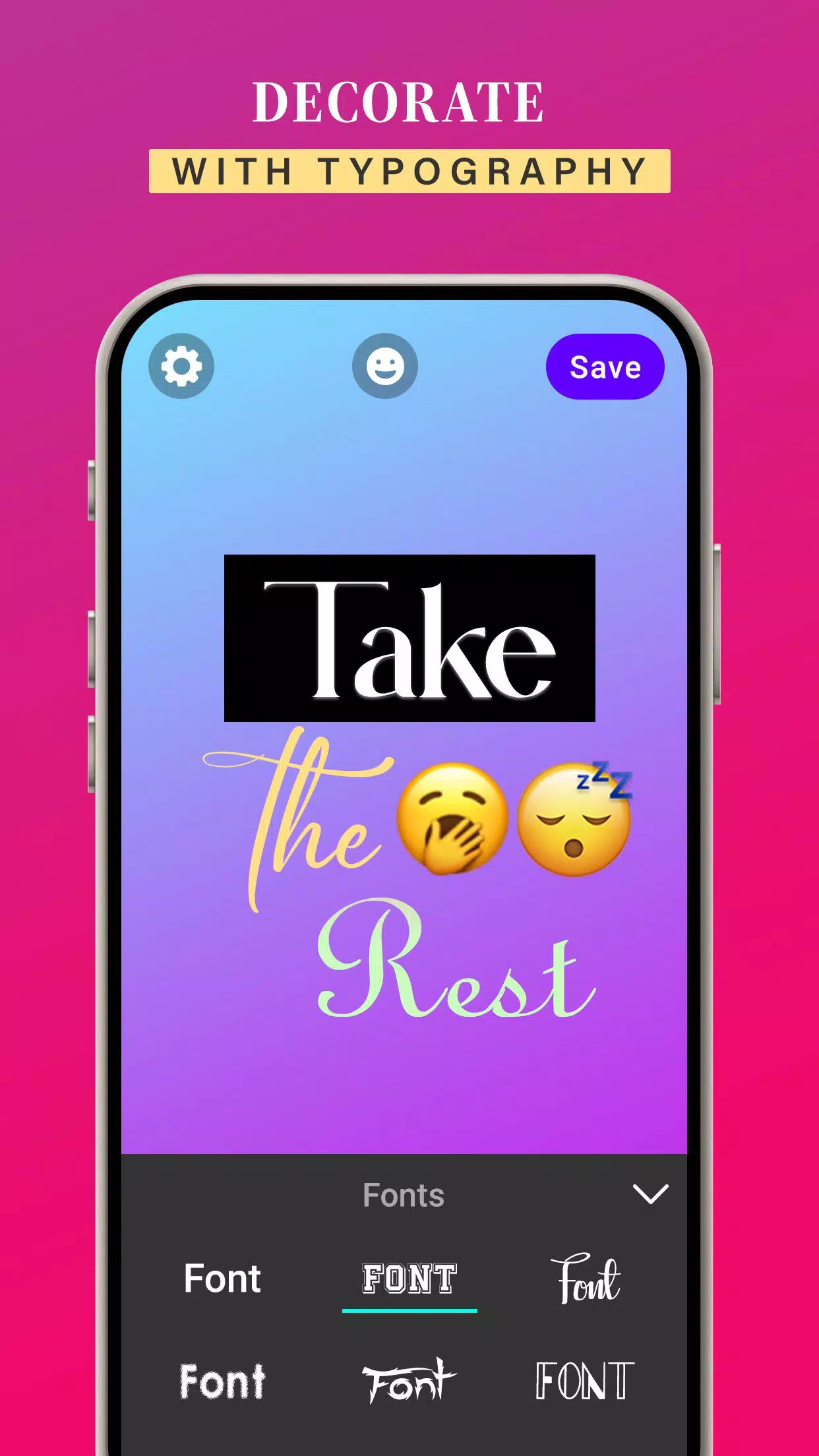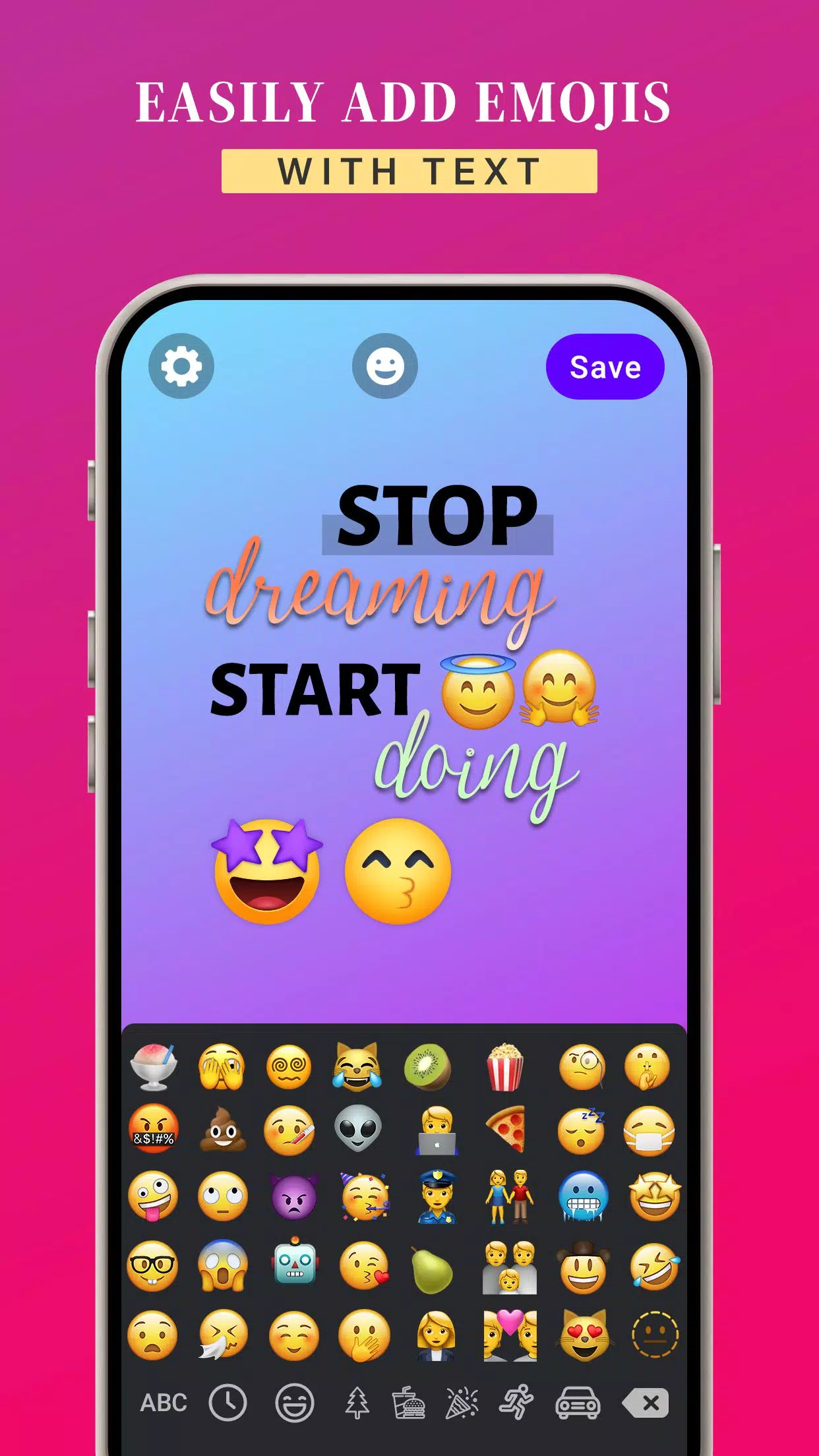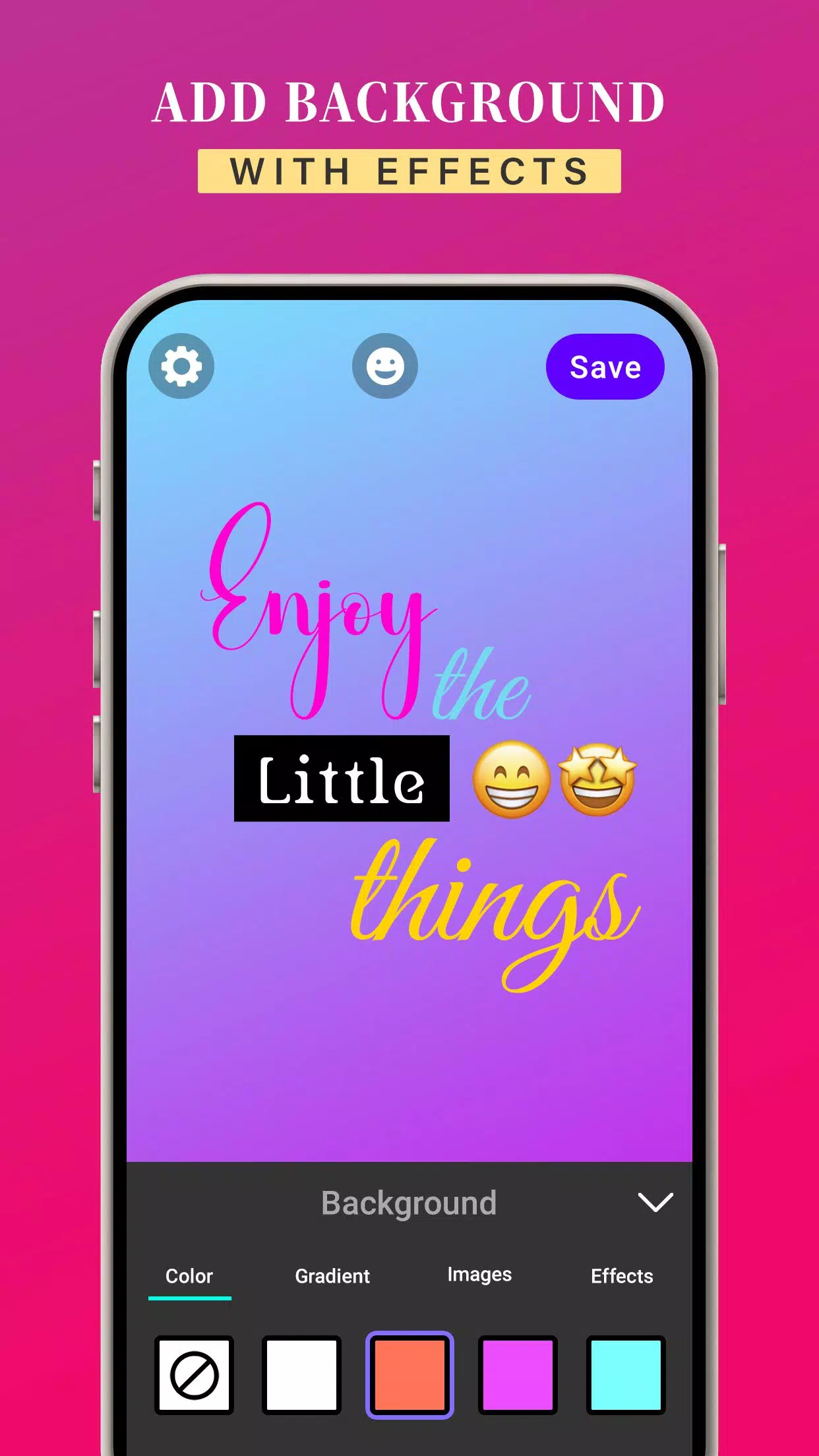
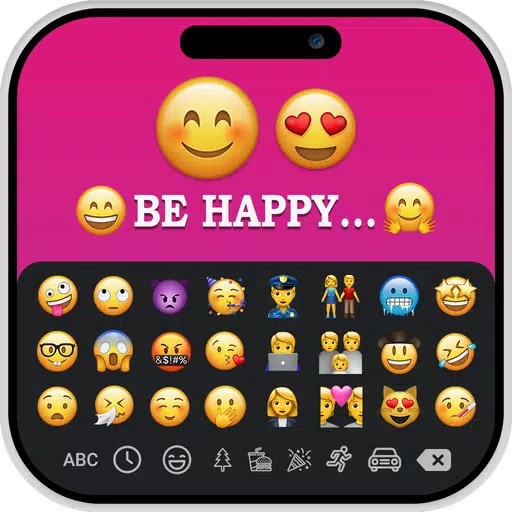
With the iOS Emoji for Story app, you can design custom images that combine your own text and iOS emojis.
The iOS Emoji for Story app offers a variety of font styles to customize your text and emojis. You can enter your own text, select a preferred text style, and customize it further with background colors, gradients, or images. You can also enhance your creations with visual effects such as drop shadow, border radius, and opacity.
The app gives you the flexibility to change the font style of your text with an extensive collection of typefaces to choose from.
You are also able to adjust text colors, apply gradients, and use custom images as backgrounds. Fine-tune the appearance by adjusting letter spacing and line height for proper text alignment.
Once you’ve designed an image with your text and iOS emojis, tap save to store it in your gallery. You can then easily select and share your creations in your story to make it more engaging.
KEY FEATURES:
➤ Create custom images by adding text and iOS emojis
➤ Add iOS emojis to posts and stories
➤ Customize text colors, gradients, and image backgrounds
➤ Apply solid or gradient background colors to images
➤ Use iOS emojis easily on any Android device
➤ Choose from a selection of font styles
➤ Free to download and use
➤ User-friendly interface for effortless story enhancement
iOS Emoji’s for Story helps you craft creative, fun, and vibrant messages and posts for all your social media platforms.
Download the iOS Emoji’s for Story app now to bring iOS emojis to your Android device.