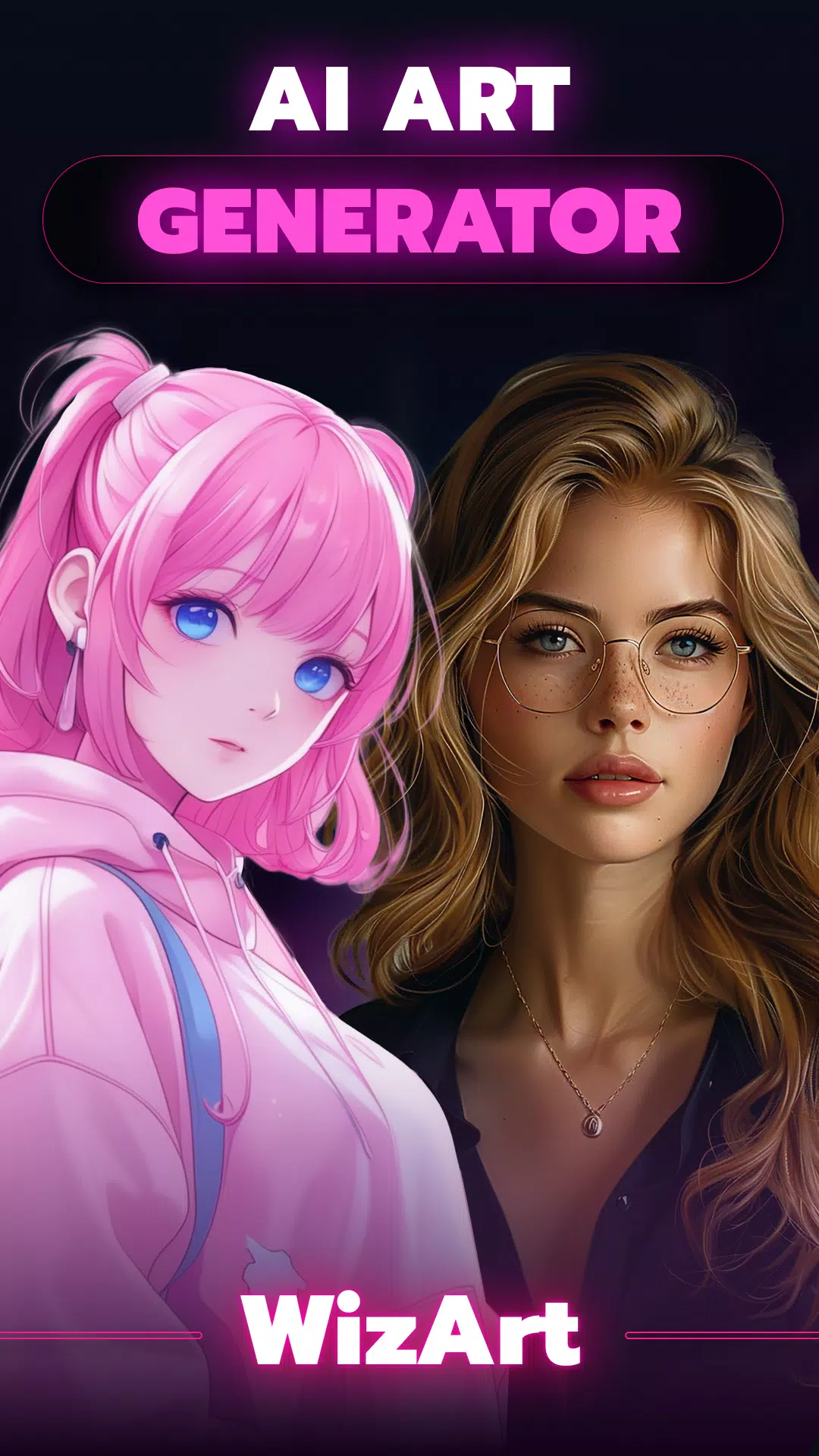
AI Art & Photo Generator: Transform Words into Stunning AI-Generated Art, Drawings & Paintings
WizArt - AI Art Generator: Unleash Your Creativity with Artificial Intelligence!
Step into the future of digital art with WizArt - AI Art Generator! Whether you want to create amazing drawings, unique paintings, or mesmerizing digital artwork, WizArt uses powerful AI technology, inspired by top platforms like Midjourney and DALL-E, to turn your ideas into reality in seconds. Just enter a text prompt, select a style, and watch as WizArt produces stunning art tailored to your vision.
✨ Key Features ✨
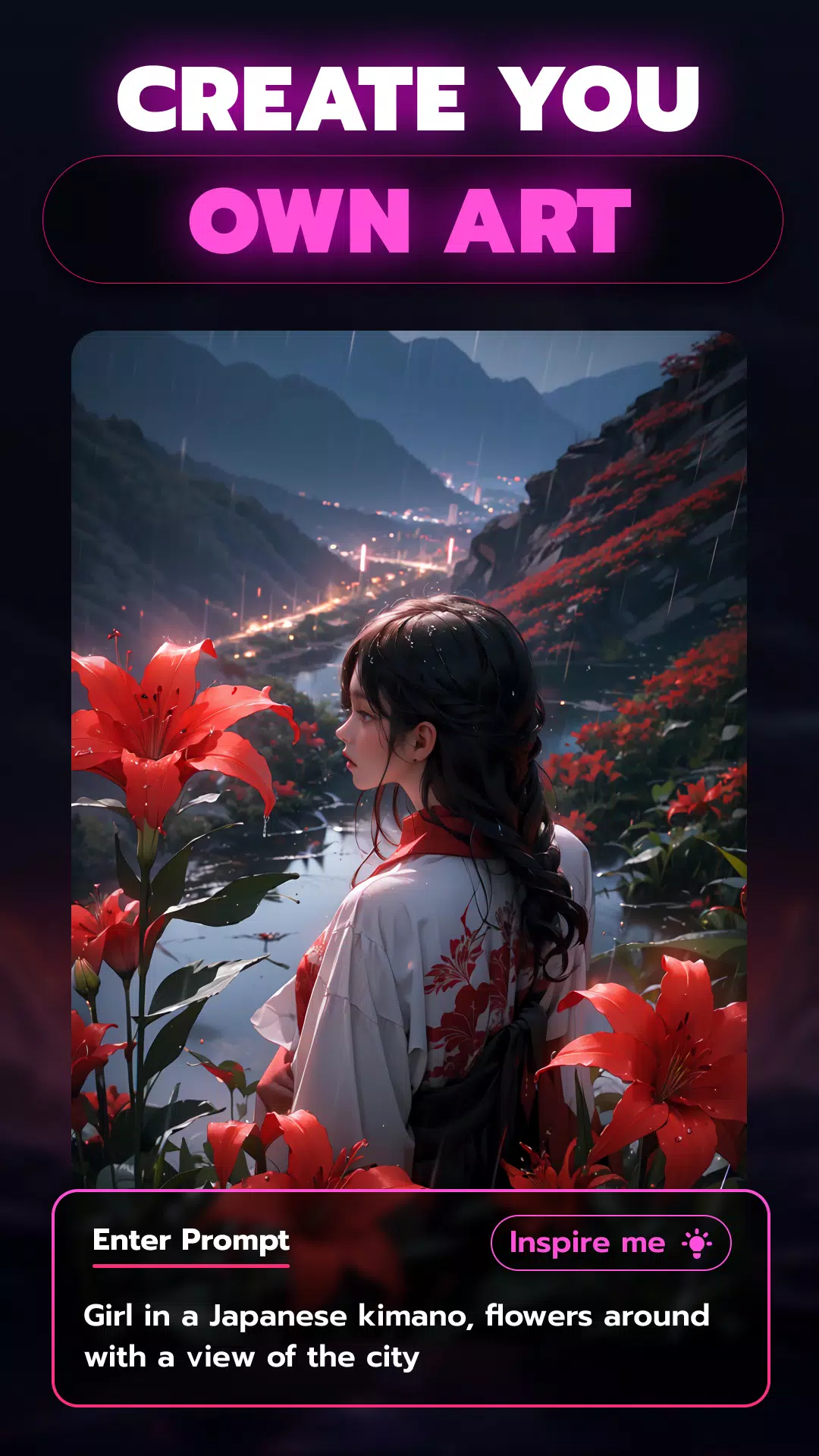
► Turn Text into Art
Envision a peaceful twilight landscape or an abstract burst of colors that captures your feelings. Describe any scene, and WizArt transforms your words into beautiful visual masterpieces. Our AI, trained on millions of web images, ensures high-quality, original artwork every time. It’s like having Midjourney or DALL-E right at your fingertips!
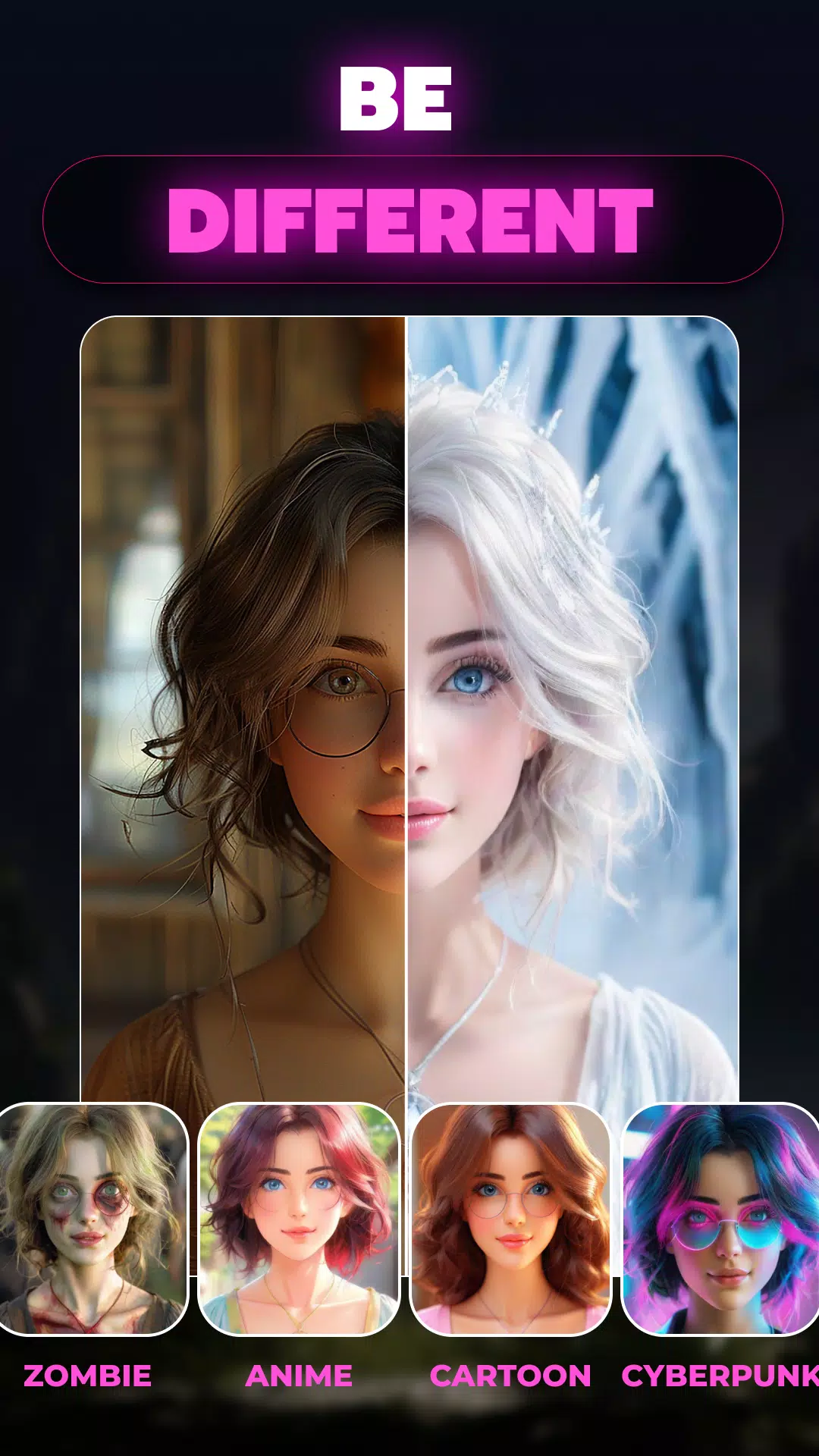
► AI Style Filters
Enhance your photos with magical AI filters! Give your images a new look with styles such as neon, pop art, anime, and others. Whether it's a selfie, portrait, or landscape, quickly add a fun, cartoon-inspired style to your pictures.
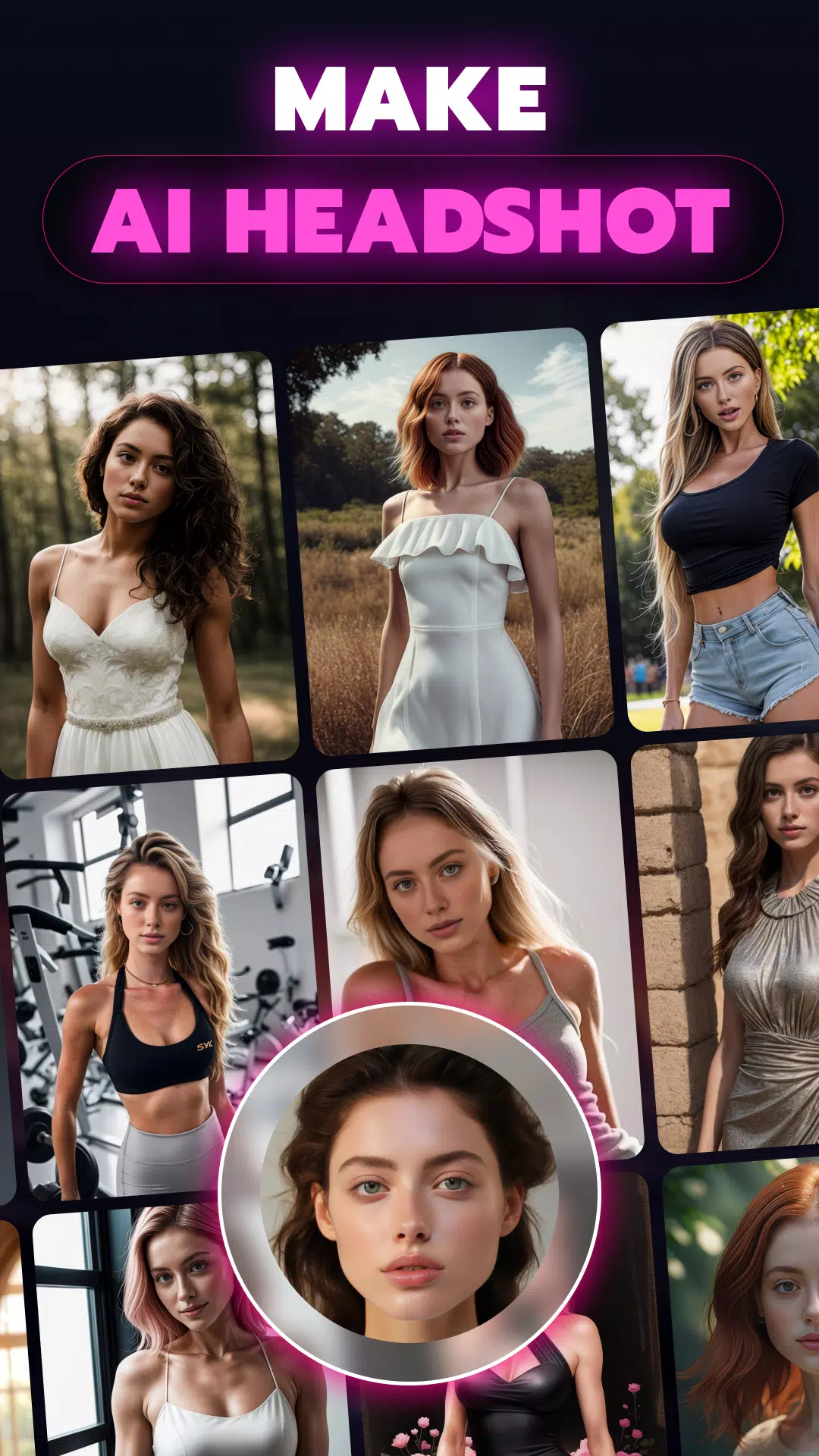
► AI Headshots
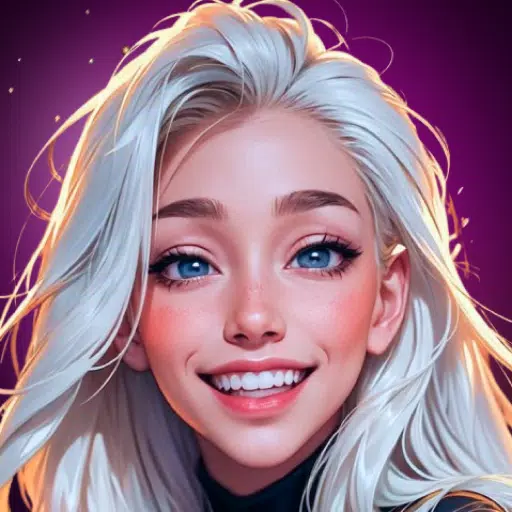
Redefine your portraits with WizArt’s advanced AI headshot feature. Pick from several styles—professional, casual, or artistic—and let our AI upgrade your photos into impressive, high-quality headshots. Ideal for professional profiles, business portraits, or social media.
► Transform Photos into Artwork
Begin with any photo and let WizArt convert it into various artistic styles, including anime, pixel art, and others. Upload your image and watch as our AI reinterprets it using inspiration from platforms like Midjourney, DALL-E, and Stable Diffusion.
► AI Tattoo Generator
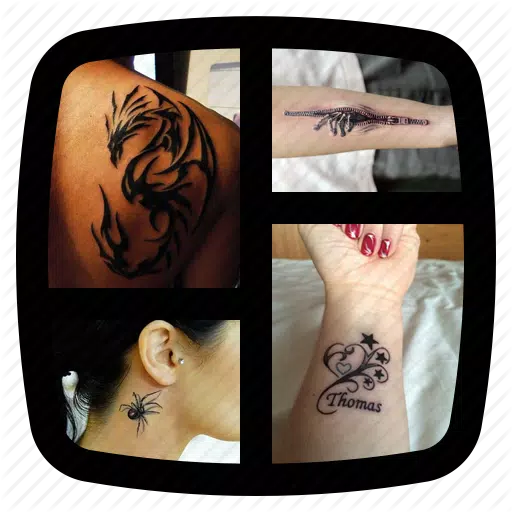
Easily design custom tattoos with WizArt. Input your ideas, and our AI will generate incredible, personalized tattoo art in just seconds. Great for finding inspiration or creating a one-of-a-kind design that's truly yours.
► Choose from 100+ AI Art Styles
Explore more than 100 unique art styles with WizArt. Whether you love anime, minimalism, surrealism, or anything in between, WizArt lets you produce art that matches your personal taste. Unleash your imagination and discover new creative possibilities.
► Ultra-Realistic AI Photo Generator
Create hyperrealistic images from text with WizArt’s newest model, influenced by Stable Diffusion and Midjourney. Generate high-resolution, lifelike photos that appear professionally shot.
► Variation Mode for AI Art
Experiment with different versions of your AI-generated art. WizArt’s Variation Mode lets you explore multiple interpretations of your creation, offering the flexibility to select the ideal result.
► Enhance Your Space with AI-Generated Art
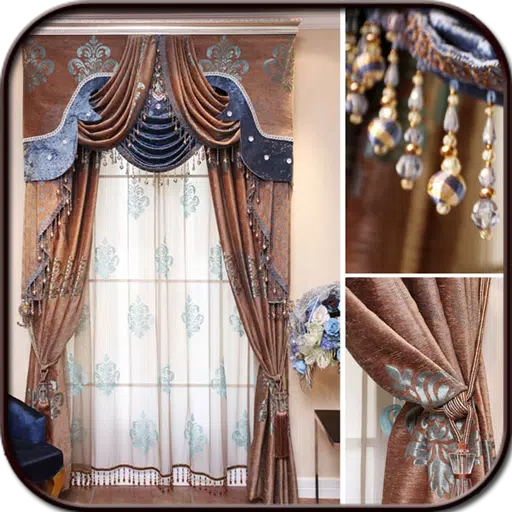
Looking for the perfect artwork to match your interior? Describe your concept to WizArt, and our AI will produce custom drawings and paintings that complement your décor and taste.
► Create Custom Wallpapers
Generate unique wallpapers for your devices using AI. Simply describe your idea, and WizArt will design the perfect wallpaper to make your screen truly distinctive.
► Share Your AI Creations
Proud of the art you made with AI? Share it directly to social media from WizArt. Display your creative work and easily join popular #AIPainting trends.
Creating AI-generated art is now simpler than ever. WizArt - AI Art Generator blends advanced artificial intelligence with your inspiration to produce incredible images from text and photos. Inspired by industry leaders such as Midjourney, DALL-E, and Stable Diffusion, WizArt is your go-to tool for artistic innovation.
What's New in the Latest Version 1.54
Last updated on Sep 16, 2024
crash fixes
UI improvements