Troubleshooting Marvel Rivals Low FPS Issues
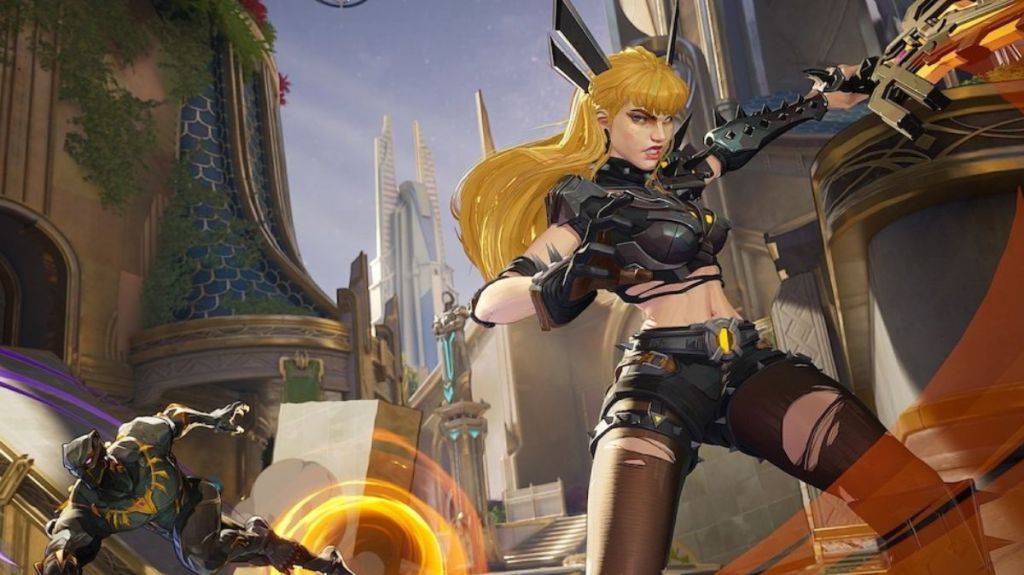 Many Marvel Rivals players are experiencing frustrating frame rate drops, impacting gameplay and overall enjoyment. This issue, while initially minor, has become more widespread since the Season 1 update. Here's how to address this problem:
Optimizing Marvel Rivals Performance: A Step-by-Step Guide
Several solutions have proven effective for players experiencing low FPS in Marvel Rivals:
-
GPU Driver Reinstallation and Acceleration: Outdated or corrupted graphics drivers are a common culprit. Reinstalling your GPU drivers and ensuring GPU acceleration is enabled in your Windows graphics settings can significantly improve performance. Check if you accidentally disabled this setting for another game.
-
SSD Installation: Moving the game to a Solid State Drive (SSD) can dramatically reduce loading times and improve overall game smoothness. SSDs offer significantly faster read/write speeds compared to traditional hard drives, leading to a more fluid gaming experience.
-
Awaiting a Developer Patch: If the above steps don't resolve the issue, patience may be required. NetEase, the developer, is actively addressing performance problems, including similar FPS issues affecting character damage. Waiting for an official patch from the developers might be the most effective long-term solution. In the meantime, consider tackling your game backlog or enjoying other entertainment.
Marvel Rivals is currently available on PS5, PC, and Xbox Series X|S.