Enhance Your PlayStation Portal Experience: Top 5 Accessories
The PlayStation Portal is a fantastic remote player, but a few accessories can significantly improve your gaming experience. IGN highlights five essential PlayStation Portal accessories, from protective cases to charging docks, ensuring a worthwhile investment for your setup.
Top PlayStation Portal Accessories:
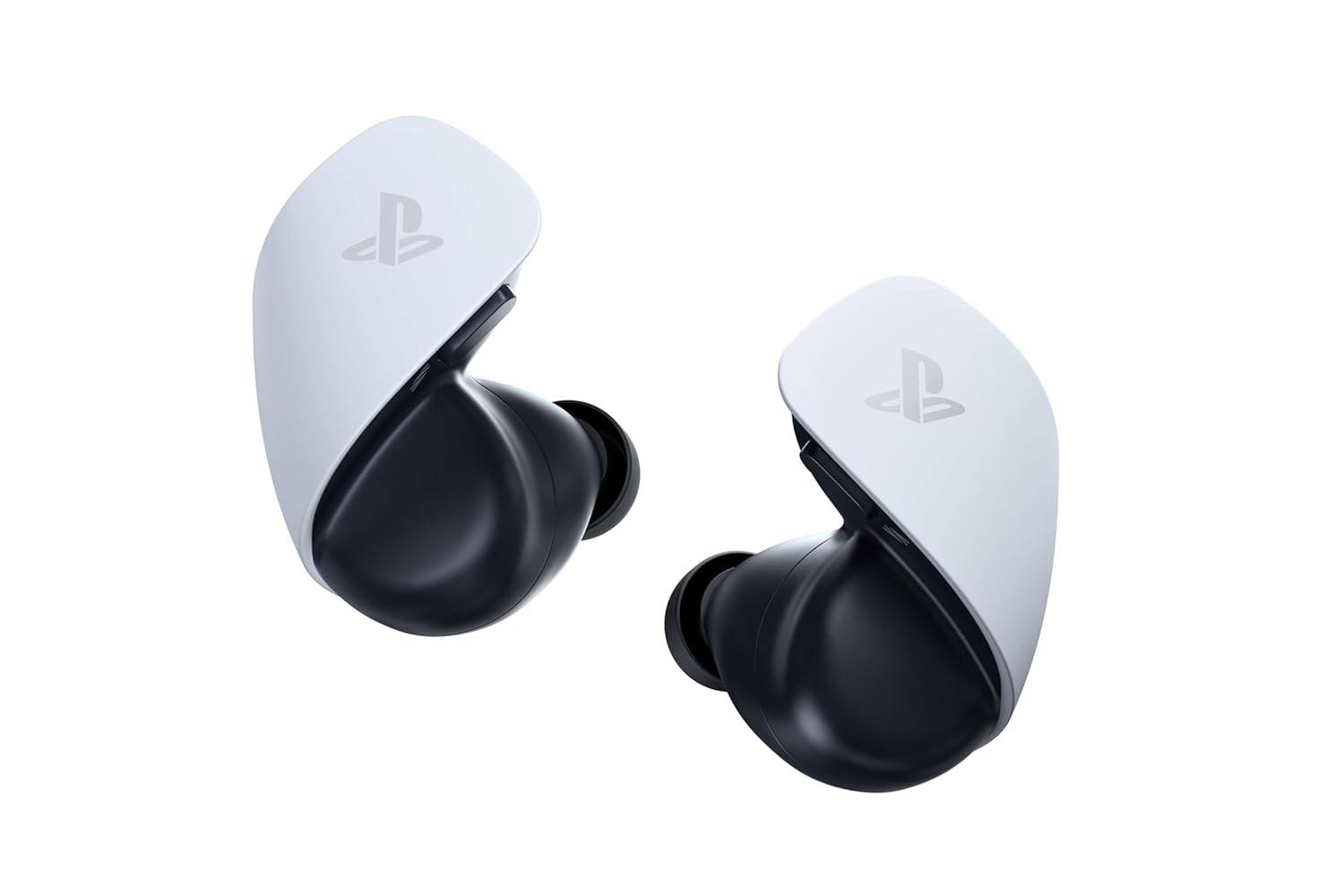
- PlayStation PULSE Explore Wireless Earbuds: Immersive audio is key, and these earbuds deliver. The included 2.4GHz dongle enables pairing with your PS5 and PC, offering Spatial Audio and multipoint connectivity for seamless transitions between gaming and calls. While pricey and somewhat bulky, the superior sound quality is undeniable.
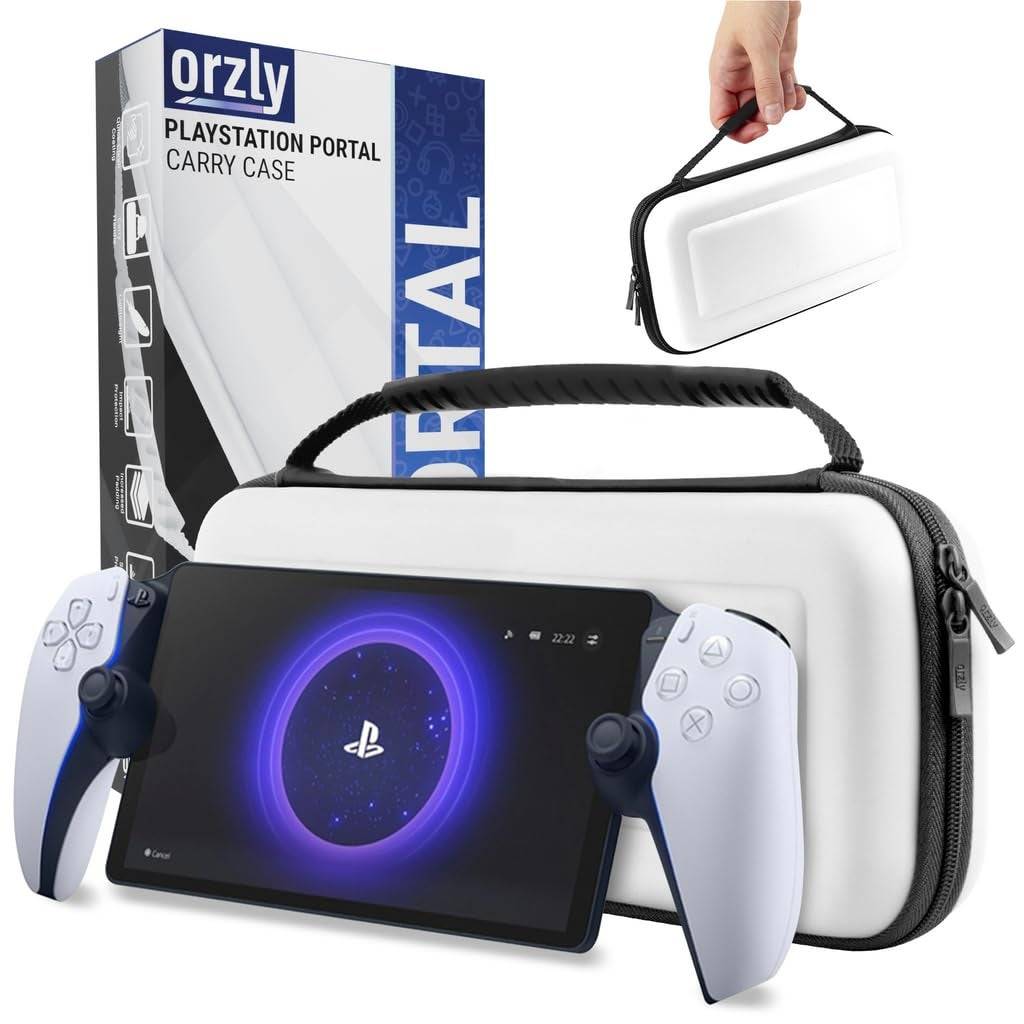
- Orzly Carrying Case: Essential for on-the-go gamers, this case provides robust protection. Its form-fitting design, soft inner lining, and durable exterior safeguard your Portal from scratches and bumps. A zippered compartment conveniently stores cables and other small items.
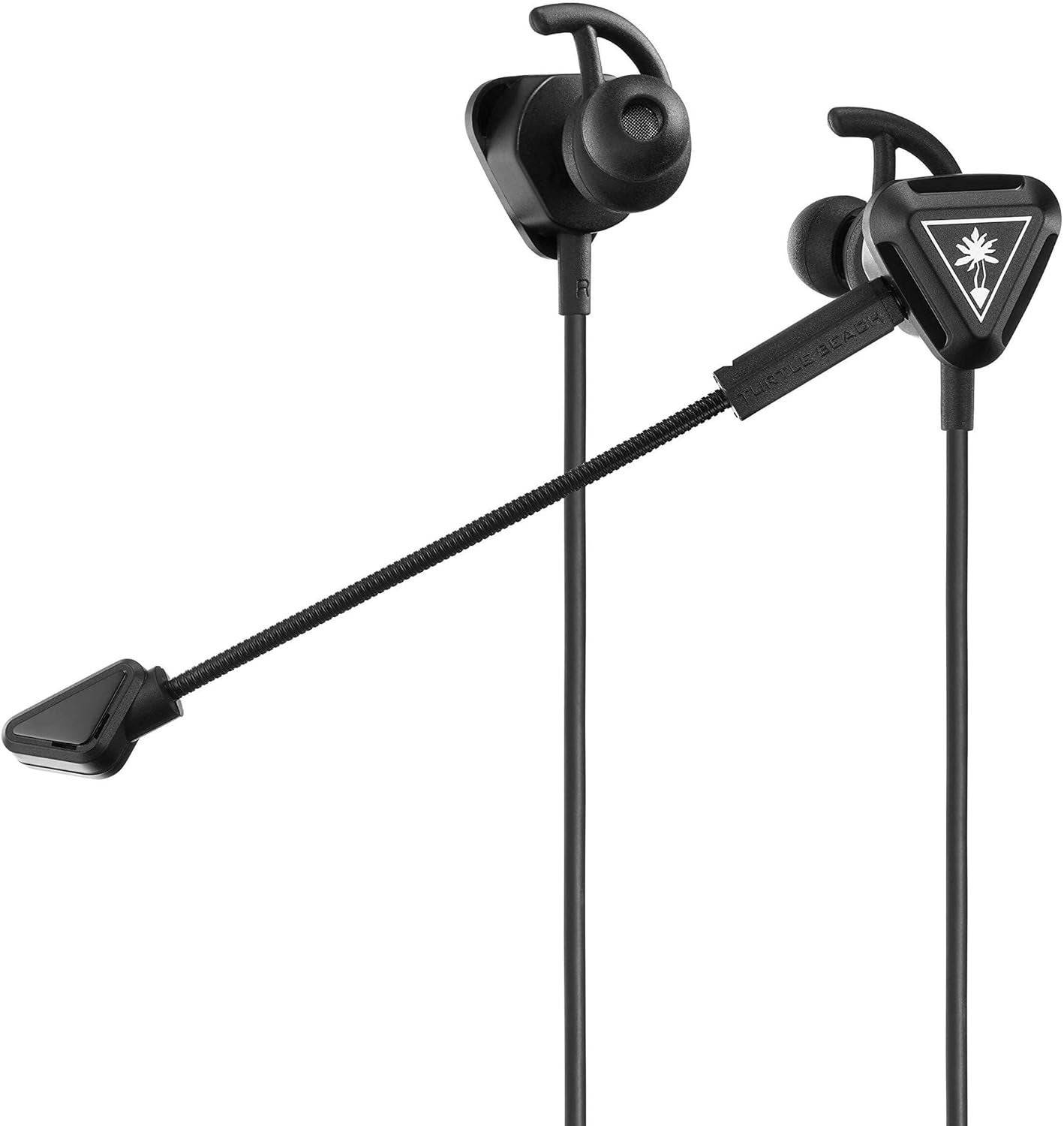
- Turtle Beach Battle Buds: A budget-friendly wired option offering clear chat audio with dual microphones (removable and inline). These earbuds provide crisp sound and are compatible with various devices beyond the PlayStation Portal.
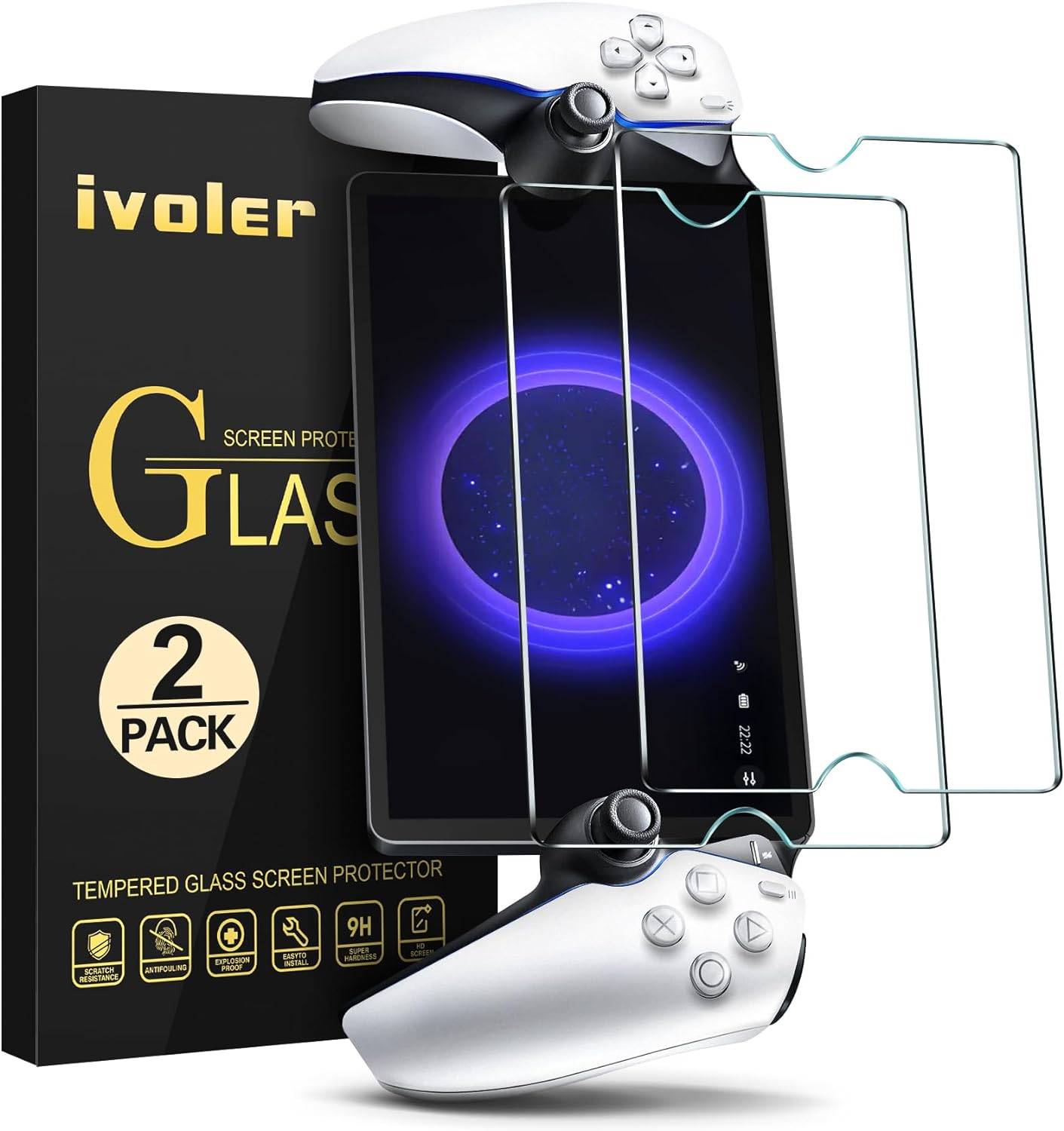
- ivoler Tempered Glass Screen Protector: Safeguard your Portal's 8-inch LCD screen with this 9H hardness protector. It resists scratches while maintaining image clarity and touchscreen responsiveness. The pack includes two protectors, wet and dry wipes, and installation instructions.
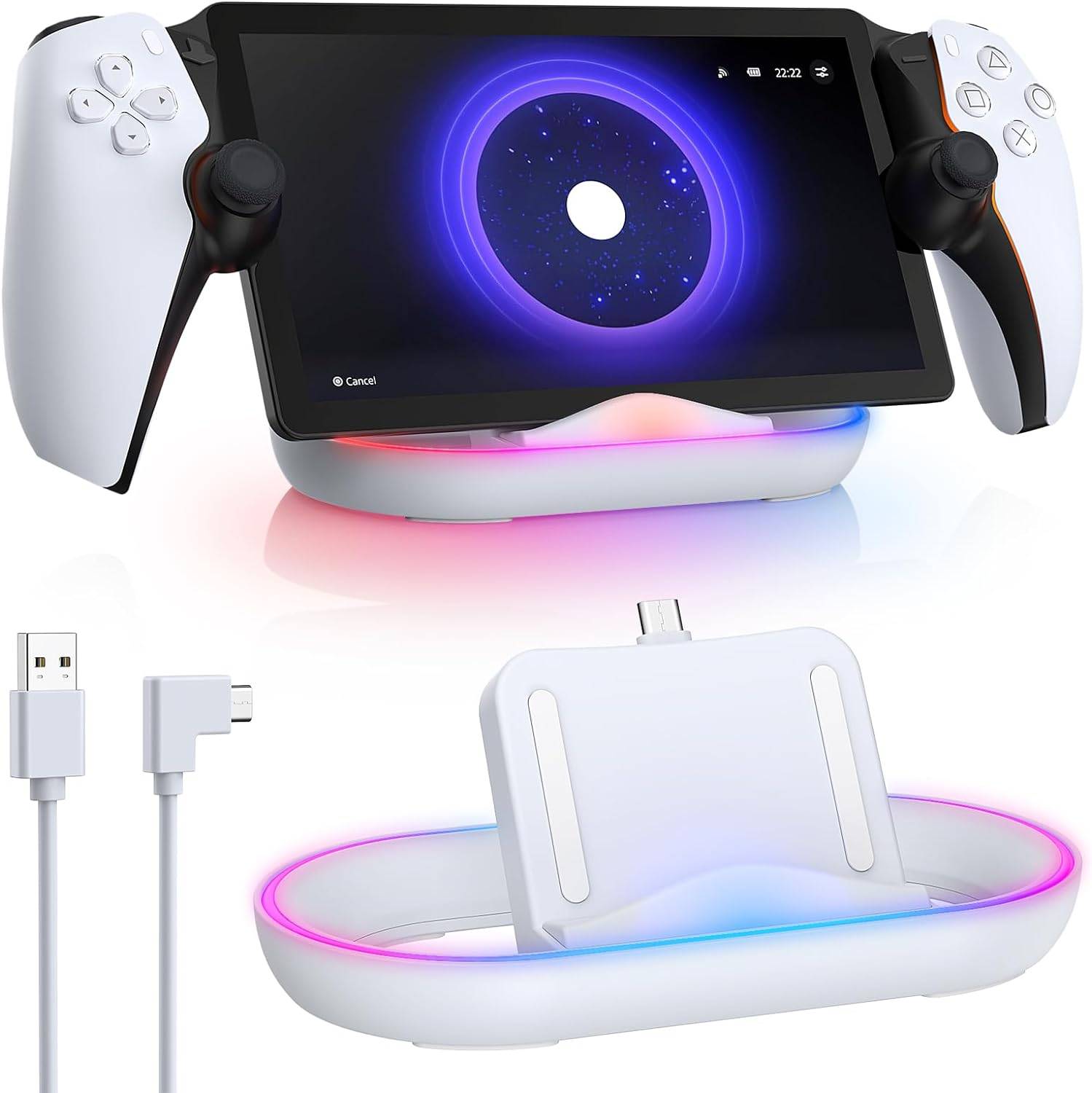
- FYoung Charging Dock Station: A convenient charging solution with customizable RGB lighting. While requiring a separate power adapter, it offers a stylish charging experience and full charge in approximately 3.5 hours.
Choosing the Right Accessories:
Consider your gaming habits. Frequent travel necessitates a protective case and screen protector. For outdoor gaming, an anti-glare screen protector is beneficial. A portable charger or charging dock is crucial for extended playtime.
PlayStation Portal FAQ:
-
What is the PlayStation Portal? It's a handheld device for streaming PS5 games via Remote Play, offering full DualSense controller functionality.
-
Do I need a PS5? Yes, it requires a PS5 and a strong Wi-Fi connection (15 Mbps recommended).
-
Where can I use it? Anywhere with Wi-Fi, but connection speeds and latency will vary. Webpage logins for networks may not work.
-
What games are compatible? Any PS5 game (excluding VR titles) that runs locally on your console.
-
When are accessories on sale? Keep an eye out during sales events like Amazon Prime Day and Black Friday.
Remember, a PS5 and strong Wi-Fi are prerequisites. These accessories enhance the experience, offering protection, convenience, and improved audio. Choose the ones that best suit your individual needs and gaming style.