No third-party ads! No in-app purchases! All features are fully unlocked for users!
This is a pixel art editor app with a built-in online gallery and community. Create and share your pixel art animations, and connect with fellow pixel art enthusiasts worldwide.
We support layers and animations, packed with a wealth of practical tools.
[Pixel Art Editor]
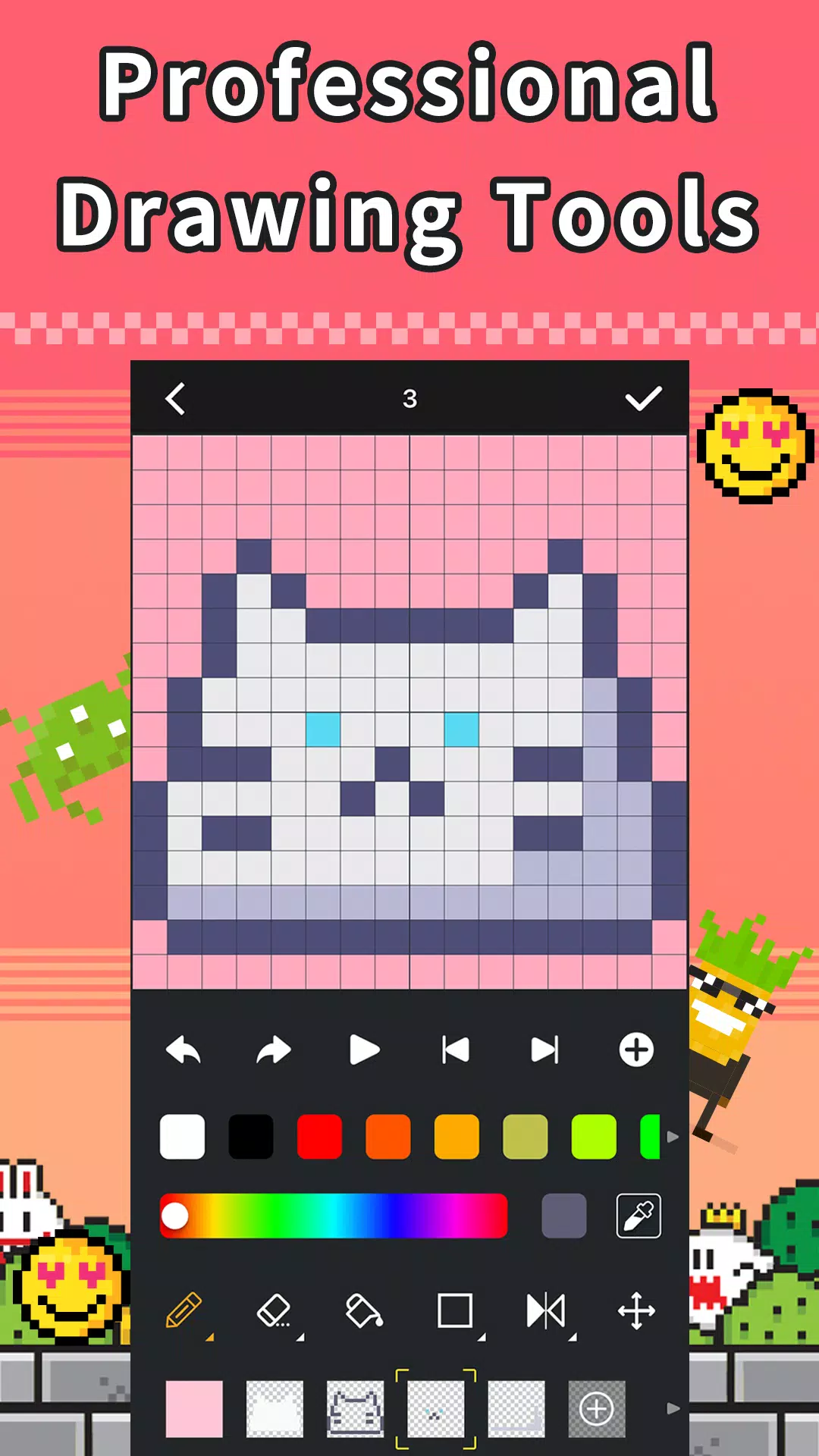
*Professional drawing and animation tools, including: multiple layers, color palettes, text editors, and more.
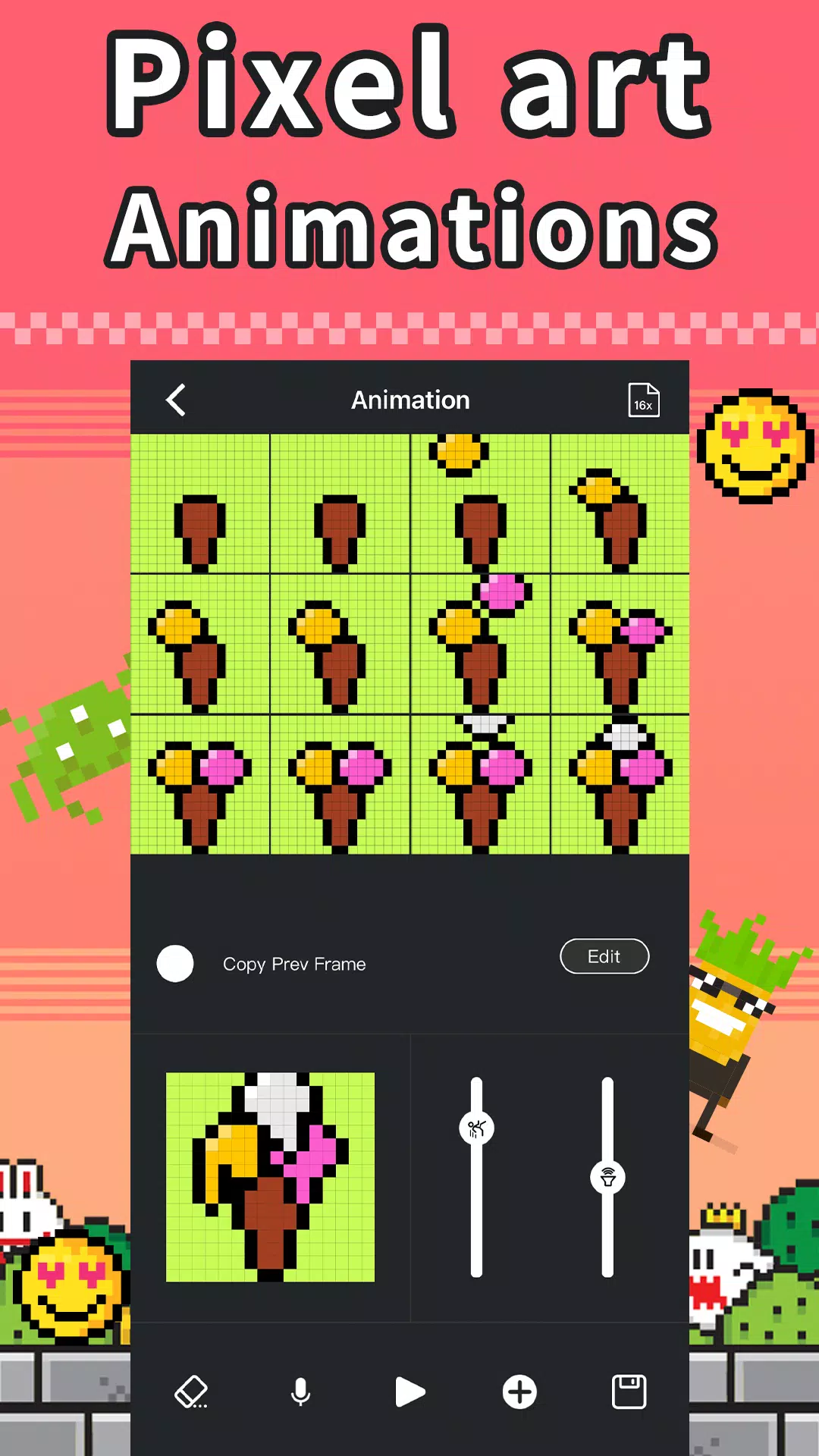
*Supports animation creation, duplication, merging, and BGM recording.
*A drawing canvas with full RGB color support.
*Features area selection, duplication, and movement. Supports layer duplication, moving, combining, and hiding.
[Pixel Art Community]
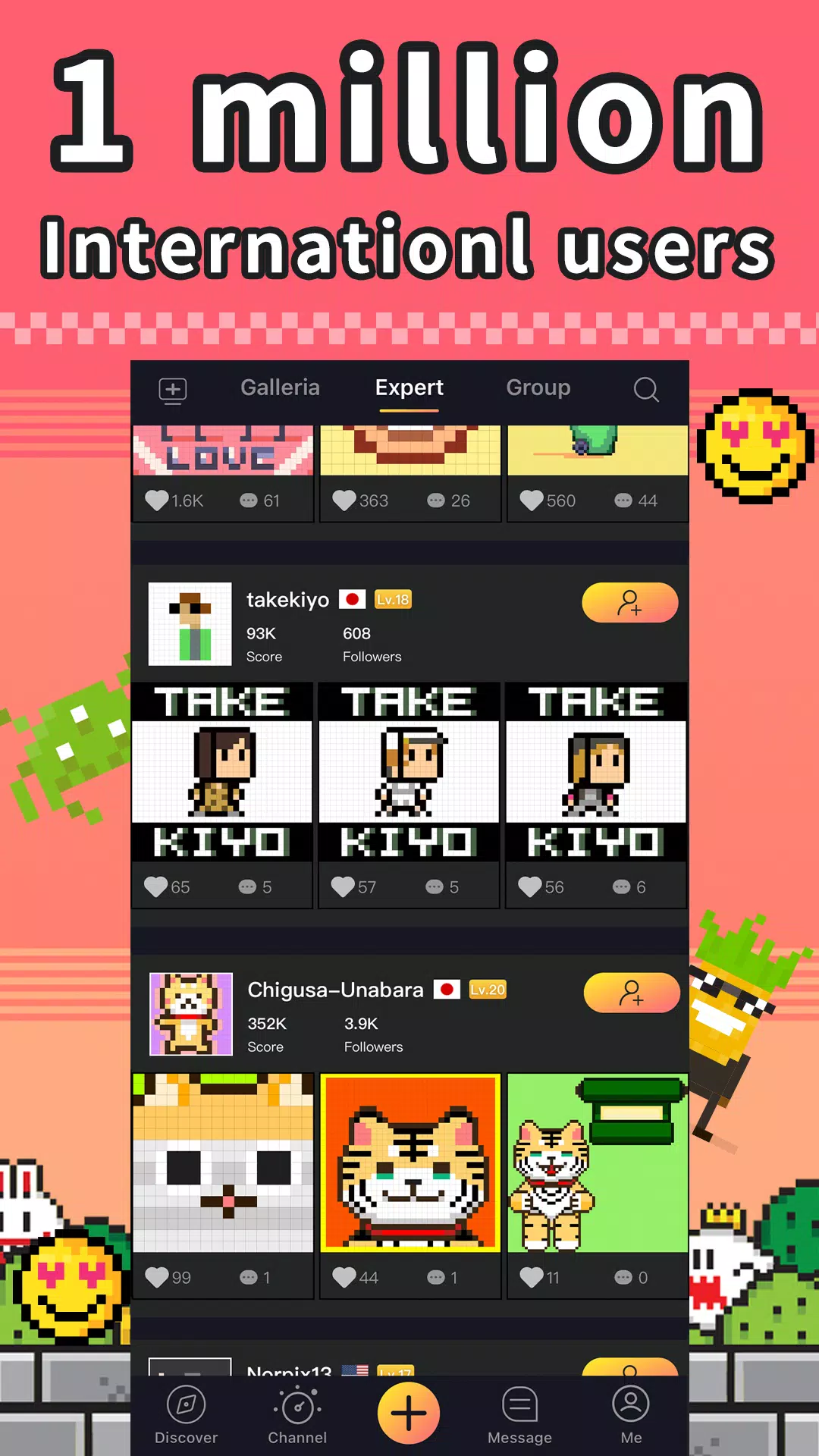
*A community of over 1 million users sharing more than 700,000 pixel art designs. Engage and interact with other members.
*Browse across 12+ categories and tag your designs with relevant topics.
*Guided by a professional moderation team, with AI-powered animation recommendations.
[Point Redemption Program]
*Earn bonus points for featured animations, redeemable for free products.
[Pixel Art Drawing Contest]
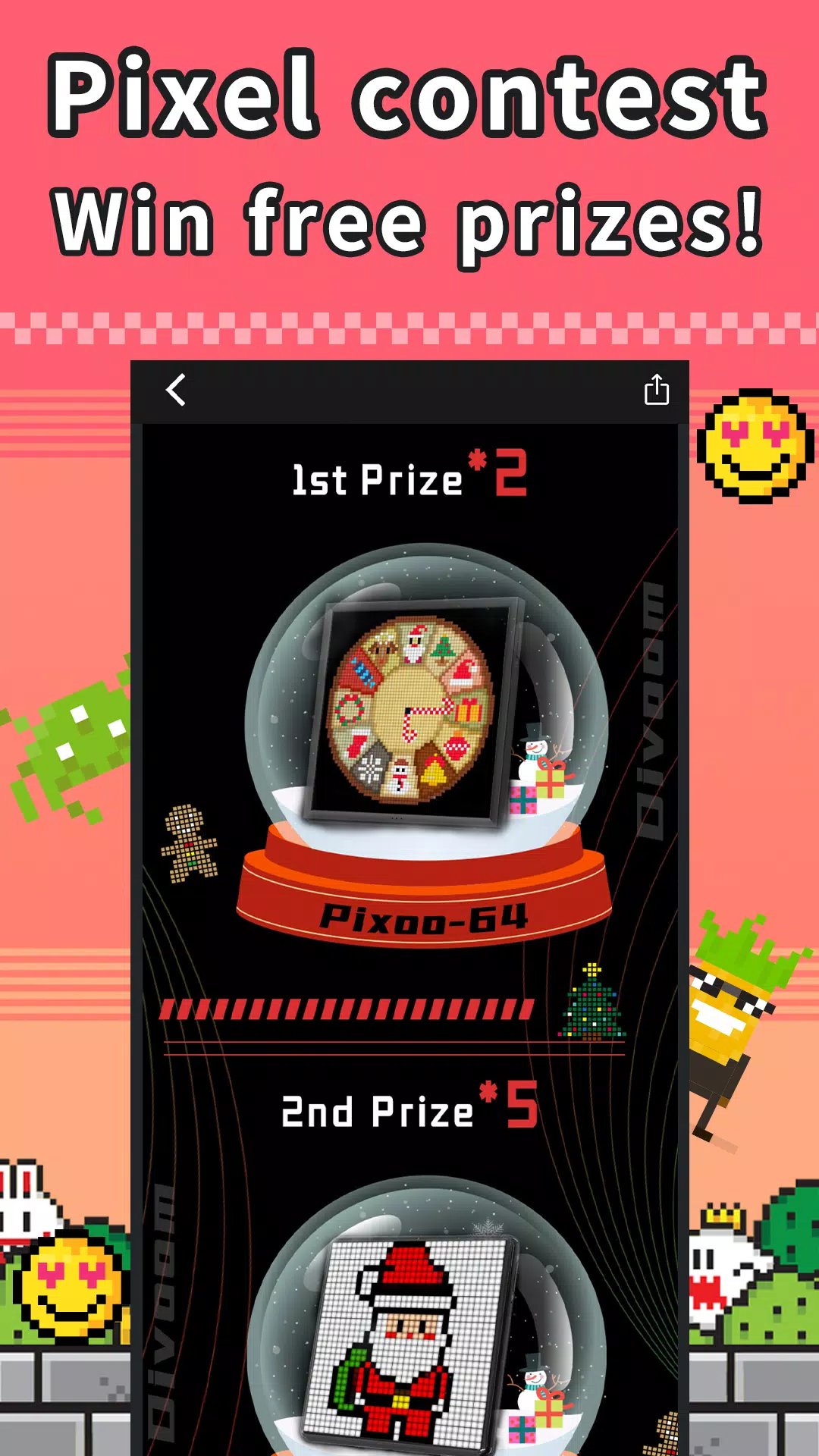
*Join our monthly drawing contests. Submit themed designs for a chance to win free prizes.
[Import & Export]
*Import and convert images, GIFs, and animations. Add music and export your creations as MP4 videos. Share your designs directly to social media.
[GIF & Video]
*Convert GIFs and videos into pixel art animations.
[Color by Number]
*Enjoy free Color by Number games.
[Messages]
*Get notifications for likes, comments, and follows. Supports in-app instant messaging.